
Starting an online store is an exciting journey, but it can quickly feel overwhelming when you look at the thousands of WordPress plugins for ecommerce stores available today.
As a store owner, you want your site to be fast, secure, and easy for customers to use. However, the secret to a successful WordPress store isn’t installing every tool you find; it’s choosing the right ones that work well together.
Plugins are the “apps” of your website that add special features, like contact forms or secure checkouts.
While they are essential for success, having too many can actually slow down your site or cause technical glitches. My goal is to help you build a lean, powerful store using only what you truly need.
These ten picks are the gold standard for small businesses in 2025.
Table of Contents
WordPress Plugins for Ecommerce Stores
1. WooCommerce

WooCommerce is the foundation of almost every WordPress store. It is a powerful, free plugin that transforms a regular website into a fully functional shop where you can sell anything from t-shirts to digital downloads. It handles the heavy lifting of product pages, shopping carts, and the checkout process.
This plugin matters because it gives you total control over your business without charging you monthly “rent” like other platforms. It is built to grow with you, meaning you can start with one product and scale up to thousands.
Key Features:
-
Product Management: You can easily add descriptions, images, and prices for different items.
-
Payment Integration: It connects with popular tools like PayPal and Stripe right out of the box.
-
Order Tracking: A built-in dashboard helps you see who bought what and when it needs to ship.
Real-World Example: Imagine you want to sell handmade candles. WooCommerce lets you create a “Scent” option for each candle so customers can pick between Vanilla or Lavender before they buy.
-
Best For: Anyone wanting a flexible, professional online store.
Pricing: Free core plugin; some advanced add-ons have yearly fees.
2. WPForms
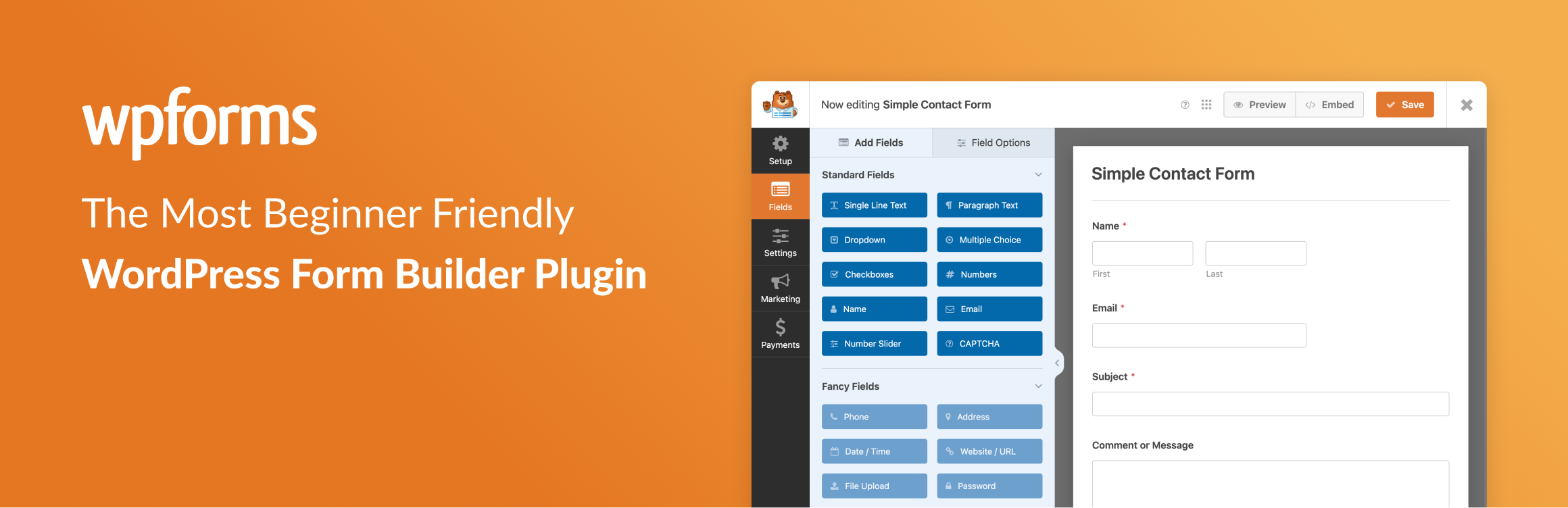
Every store needs a way for customers to get in touch. WPForms is a simple drag-and-drop builder that lets you create contact forms, surveys, and even order forms without touching any code. It ensures that a customer’s question about a shipping delay actually reaches your inbox.
Clear communication builds trust, and trust is what turns a visitor into a buyer. This plugin is much better than just putting your email address on a page, which can lead to a lot of spam.
Key Features:
-
Drag-and-Drop Builder: You can move fields around easily to create the exact form you need.
-
Instant Notifications: You get an email the moment a customer submits a message.
-
Spam Protection: It includes smart tools to stop robots from filling out your forms.
Real-World Example: A customer isn’t sure which size shirt to buy. They use your “Contact Us” form built with WPForms to ask, and you reply instantly to close the sale.
-
Best For: Beginners who want a professional way to communicate with customers.
Pricing: Free version available (WPForms Lite); Pro plans start around $49 per year.
Learn more about 9 Best WordPress Form Plugins in 2025
3. All in One SEO (AIOSEO)

To make sales, people need to find your store on Google. AIOSEO is a toolkit that helps you optimize your product descriptions and store pages so they rank higher in search results. It uses a simple checklist to tell you exactly what to fix on each page.
Good SEO (Search Engine Optimization) is like having a sign for your store on a busy highway. Without it, you are essentially hidden in a dark alley where nobody can find you.
Key Features:
-
TruSEO Analysis: This gives you a score and a list of tips to improve your content.
-
WooCommerce SEO: It specifically helps you optimize product titles and category pages.
-
Smart Sitemaps: It automatically tells Google whenever you add a new product.
Real-World Example: You sell “Organic Dog Treats.” AIOSEO helps you place that phrase in the right spots so when someone searches for it, your store shows up on the first page.
-
Best For: Store owners who want more “free” traffic from search engines.
Pricing: Free version available; Pro versions start at about $49 per year.
Learn more about wordpress seo here: Ultimate Beginner’s Guide to Mastering WordPress SEO in 2025
4. WP Rocket
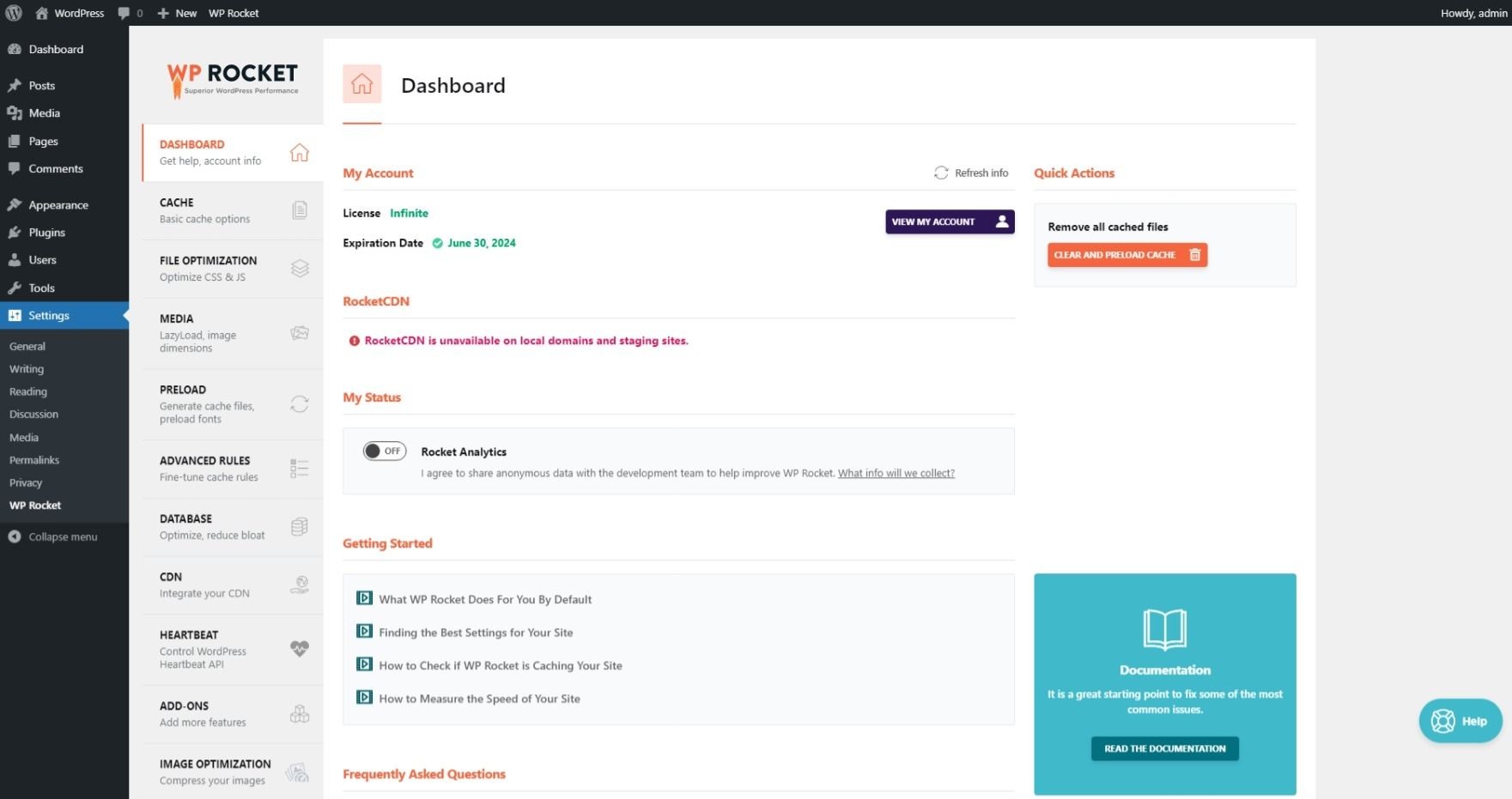
Site speed is a major factor in whether a customer stays or leaves. WP Rocket is a performance plugin that makes your site load significantly faster by “caching” your pages. This means it stores a copy of your site so it doesn’t have to build it from scratch every time someone visits.
In ecommerce, every second counts. If your site takes more than three seconds to load, many customers will get frustrated and shop elsewhere. Fast sites also rank better on Google.
Key Features:
-
Page Caching: It creates a faster experience for your visitors instantly.
-
Lazy Loading: This makes images load only when the user scrolls down to them.
-
File Minification: It shrinks the size of your site’s code to help it run smoother.
Real-World Example: A customer browsing on a slow mobile connection can view your products instantly because WP Rocket has already “pre-loaded” the pages for them.
-
Best For: Anyone who wants a fast store without learning technical coding.
Pricing: Starts at $59 per year (no free version).
5. MonsterInsights
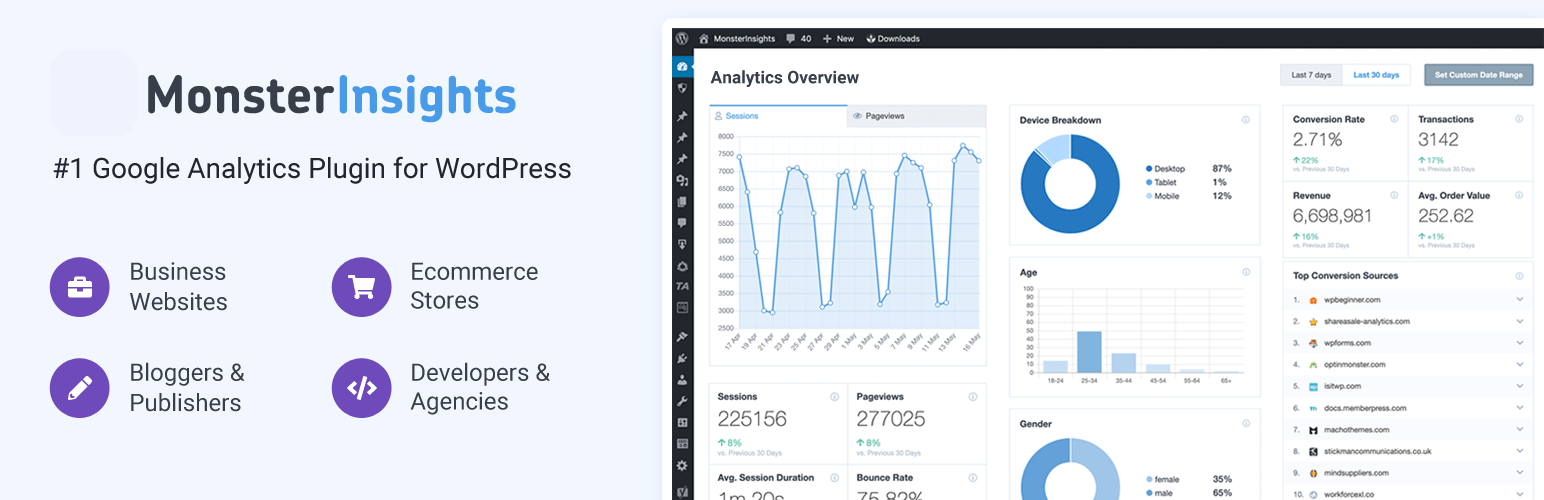
MonsterInsights connects your WordPress store to Google Analytics. It takes complicated data and turns it into easy-to-read reports right inside your dashboard. This lets you see exactly how many people visit your store and what they are buying.
You can’t grow what you don’t measure. Understanding which products are popular and where your customers are coming from helps you make better business decisions.
Key Features:
-
Ecommerce Tracking: See your conversion rate and total revenue at a glance.
-
Real-Time Stats: Watch how many people are on your site right this second.
-
Popular Posts: Automatically show your best-selling items to new visitors.
Real-World Example: You notice through MonsterInsights that most of your sales come from Facebook. You decide to spend more time posting there instead of on other platforms.
-
Best For: Data-driven owners who want to understand their customers’ habits.
Pricing: Free version available; Plus version starts at $99 per year.
6. UpdraftPlus

A backup plugin is your insurance policy. UpdraftPlus creates a copy of your entire store—including your products and customer orders—and saves it in a safe place like Google Drive or Dropbox. If your site ever breaks or gets hacked, you can fix it with one click.
Losing your data can be devastating for an online business. Regular backups ensure that even if the worst happens, you can be back in business within minutes.
Key Features:
-
Scheduled Backups: You can set the plugin to save your site every day automatically.
-
One-Click Restore: If something goes wrong, just click one button to bring your site back.
-
Remote Storage: Keep your backups off your website server for extra safety.
Real-World Example: You accidentally delete an important product category. Instead of panicking, you use UpdraftPlus to restore the version of your site from yesterday.
-
Best For: Every single WordPress user; this is a non-negotiable tool.
Pricing: Free version available; Premium versions start at $70 per year.
7. Wordfence Security

Security is a top priority when you are handling customer credit card information. Wordfence is a specialized security plugin that acts like a digital security guard for your store. It includes a firewall that blocks hackers and a scanner that looks for any “sick” or malicious files.
Customers need to feel safe when shopping with you. Having a secure site protects your reputation and prevents costly downtime caused by attacks.
Key Features:
-
Firewall: It stops malicious traffic before it even reaches your website.
-
Malware Scanner: It checks your files regularly to make sure everything is clean.
-
Login Protection: It prevents hackers from guessing your password through “brute force.”
Real-World Example: A hacker tries to guess your admin password 100 times in a row. Wordfence notices this and locks them out of your site permanently.
-
Best For: Store owners who want peace of mind regarding their site’s safety.
Pricing: Free version available; Premium costs $119 per year.
Learn more about 9 Best WordPress Security Plugins and Tips for 2025
8. FunnelKit (formerly WooFunnels)
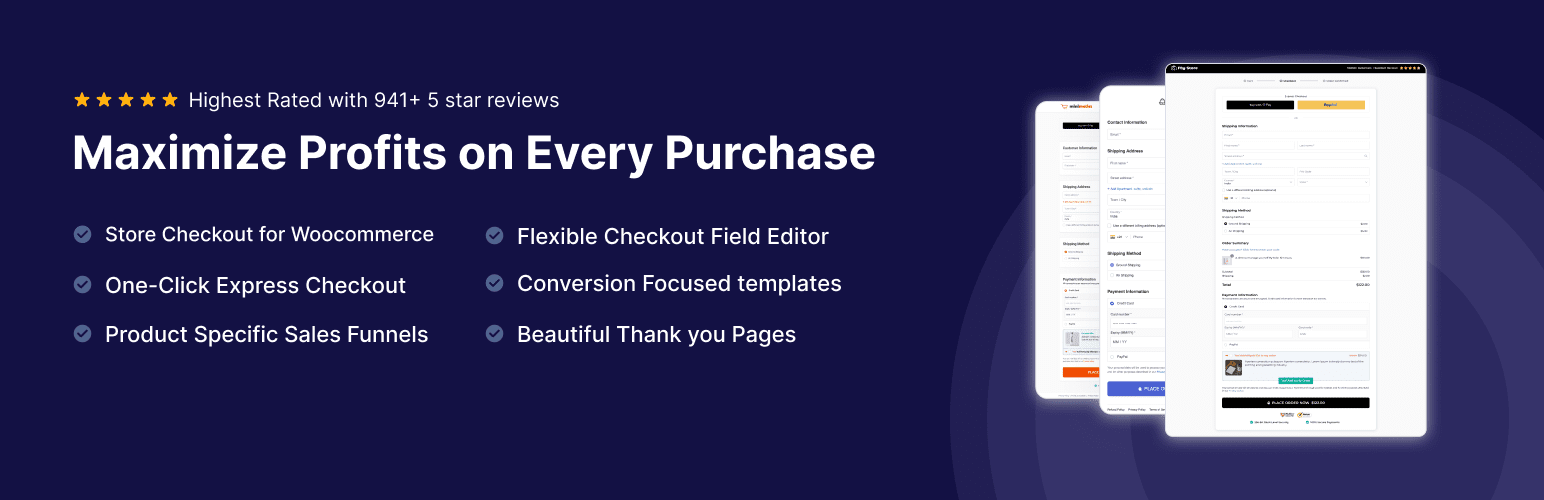
FunnelKit is designed to help you make more money from the customers you already have. It allows you to create “order bumps” and “one-click upsells.” For example, if someone buys a camera, you can offer them a memory card right before they finish checking out.
This is a powerful way to increase your “Average Order Value.” It turns a small sale into a larger one without you having to find new customers.
Key Features:
-
Order Bumps: Offer a small, related item on the checkout page.
-
One-Click Upsells: Suggest a premium product after the customer has already paid.
-
Custom Checkouts: Replace the standard checkout page with a more beautiful design.
Real-World Example: A customer buys a pair of running shoes. FunnelKit offers them a discounted 3-pack of athletic socks at the checkout, adding an extra $15 to your sale.
-
Best For: Stores that want to maximize profit and improve the checkout experience.
Pricing: Free version available; Pro plans start at $99 per year.
9. OptinMonster
OptinMonster is a tool that helps you grow your email list and stop “cart abandonment.” It uses smart pop-ups and banners to capture a visitor’s attention. If someone is about to leave your site without buying, you can show them a special discount code to keep them there.
Most people won’t buy on their first visit. By getting their email address, you can send them helpful updates and bring them back to your store later.
Key Features:
-
Exit-Intent Technology: It detects when someone is leaving and shows a targeted offer.
-
Drag-and-Drop Templates: You can create beautiful pop-ups without any design skills.
-
A/B Testing: Try two different headlines to see which one gets more clicks.
Real-World Example: A visitor puts a watch in their cart but goes to close the tab. OptinMonster shows a pop-up saying, “Wait! Here is 10% off if you finish your order now.”
-
Best For: Growing an email list and recovering lost sales.
Pricing: Starts at $9 per month (no free version).
10. WP Mail SMTP
Have you ever noticed that your store’s emails—like order receipts or password resets—sometimes end up in the spam folder? WP Mail SMTP fixes this. It ensures your emails are sent correctly through a professional email provider so they actually reach your customers.
Reliable email delivery is vital for customer service. If a customer doesn’t get their receipt, they might think your store is a scam and ask for a refund.
Key Features:
-
Email Logs: See a history of every email your site has sent.
-
Easy Setup: Connects with Gmail, Outlook, or SendLayer in just a few clicks.
-
Failure Alerts: It tells you immediately if an email fails to send.
Real-World Example: A customer places an order but doesn’t see a confirmation. Because you use WP Mail SMTP, you can check your logs and see that the email was delivered successfully.
-
Best For: Any store owner who wants to ensure their emails don’t get lost.
Pricing: Free version available; Pro versions start at $49 per year.
How to Choose the Right WordPress Plugins for Ecommerce Stores
When you are just starting out, it’s tempting to install every tool that looks “cool.” However, when selecting WordPress plugins for ecommerce stores, you must prioritize speed and security. A cluttered site is a slow site, and slow sites lose sales.
Before hitting “install,” check the “Last Updated” date. If a plugin hasn’t been updated in months, it might break your store. Also, read recent reviews to see if other owners had issues with their checkout. Most importantly, only pick woocommerce plugins that solve a real problem for your customers. If it doesn’t help them buy faster or stay safer, you don’t need it.
FAQ’s
How many plugins are too many for an ecommerce store? There is no “magic number,” but most successful small stores run on 15 to 25 plugins. It is more about the quality than the quantity. One poorly coded plugin can cause more damage than twenty well-made ones.
Can I run an ecommerce store with only free plugins? Yes, you can certainly start with free versions of almost everything on this list. As your store makes money, you can reinvest in the Pro versions to unlock more advanced features that help you scale.
Will these plugins slow down my website? If you choose high-quality plugins like the ones listed above, the impact on speed will be minimal. In fact, tools like WP Rocket are specifically designed to make your site load faster.
Conclusion
Building an online store is a marathon, not a sprint. By choosing these ten essential WordPress plugins for ecommerce stores, you are setting yourself up for long-term success. They cover everything from basic sales and SEO to security and speed, allowing you to focus on what matters most: your products and your customers.
Remember to keep your plugins updated and regularly check your site’s performance. Start with the essentials today, and watch your business grow!