
Hey, As someone who’s been building real software projects for years, I’ve spent a lot of time testing AI coding tools in my daily work.
If you are looking for the Top 10 Best AI Tools for Coding in 2025, you’ve come to the right place. In 2025, these tools are everywhere, and for good reason. They help speed up repetitive tasks, catch silly mistakes early, and let you focus on the fun parts of solving problems.
But they’re not magic; they work best when you guide them and always review what they suggest.
No tool will replace thinking like a developer. I’ve tried dozens of these in projects, from small scripts to bigger apps. Here’s my honest take on the tools worth your time right now. I picked these based on how reliable they feel, how well they fit into real workflows, and the real boosts I’ve seen.
Table of Contents
Cursor
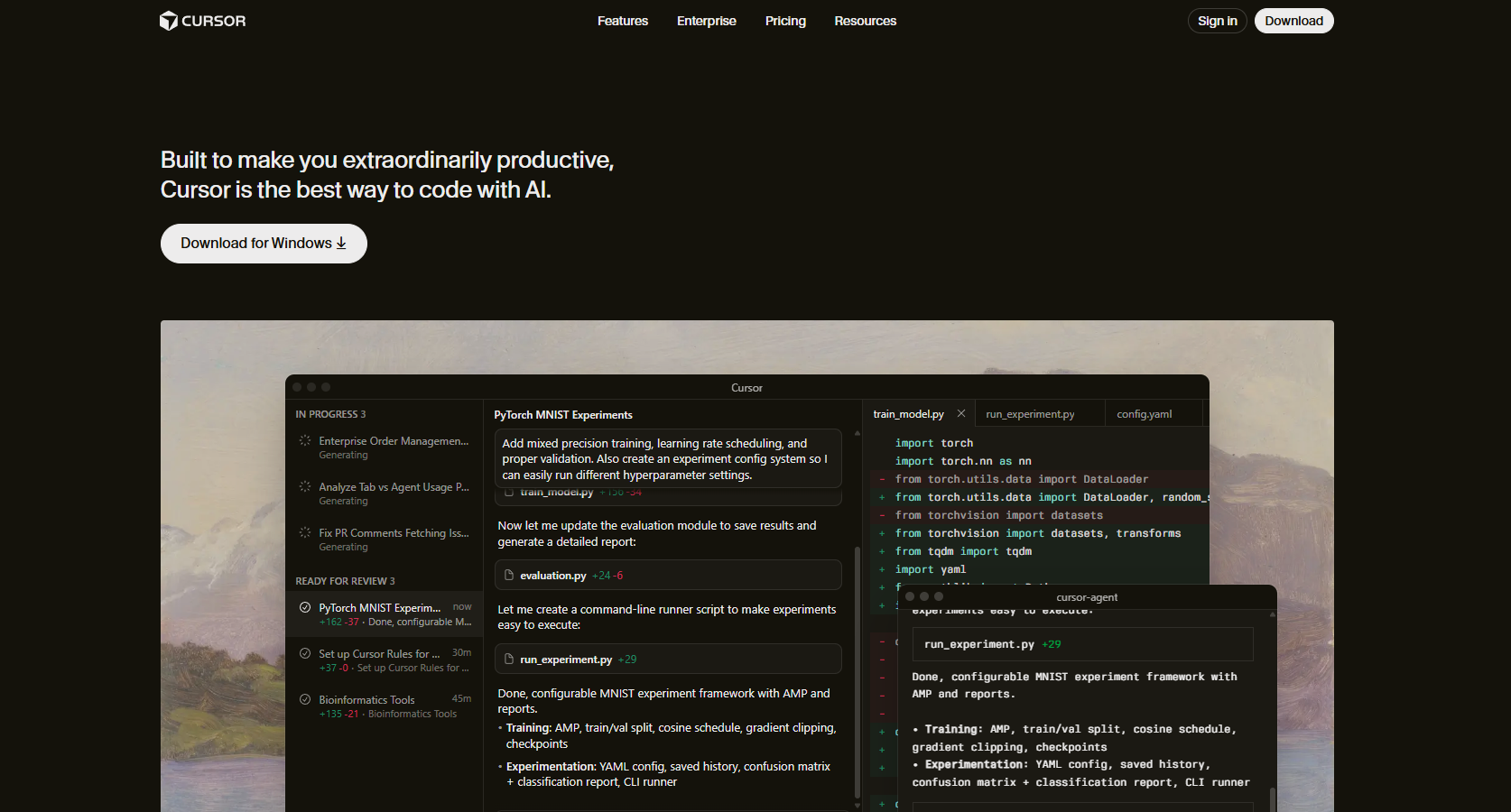
If you like VS Code but want AI that feels like it’s actually part of the editor, Cursor is the tool for you. It’s a fork of VS Code, so all your extensions still work, but it adds a powerful “Composer” feature. This allows the AI to see your entire project at once, not just the file you are looking at.
I use it when I need to make big changes across five different files at the same time. It’s incredibly smart at understanding how your different pieces of code talk to each other.
Key Features:
-
A chat window that understands your whole project structure
-
“Composer” mode for making multi-file edits automatically
-
Predictive “Tab” completions that guess your next move
-
Privacy mode that keeps your code on your machine
Best For: Professional developers and solo creators who want the most powerful, all-in-one AI coding environment currently available.
Pricing: * Hobby: Free (Limited requests)
Pro: ~$20/month (Unlimited completions and fast requests)
GitHub Copilot
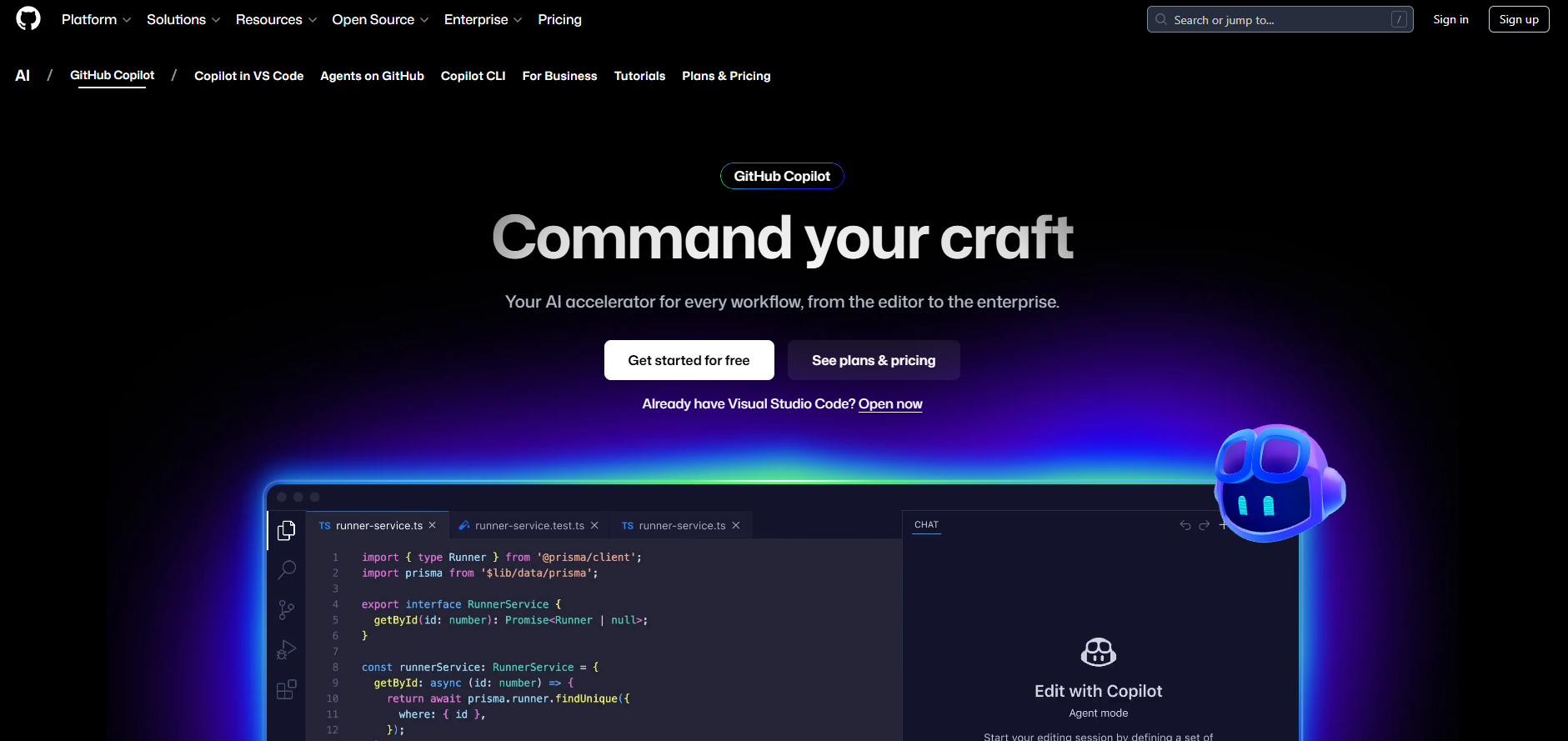
GitHub Copilot is the most popular choice for a reason. It is reliable, fast, and works right inside almost any editor you already use.
It’s great at “boilerplate” code—those repetitive parts of a project that no one likes writing.
Recently, they added the ability to choose which AI model you want to use, such as Claude or GPT-4o. This makes it much more flexible than it used to be.
Key Features:
-
Real-time code suggestions as you type
-
Integrated chat for debugging and explaining code
-
Support for almost every programming language
-
Pull request summaries that help teams review code faster
Best For: Most developers who want a reliable tool that lives where they already work, especially if they are already using GitHub.
Pricing: * Free: 2,000 completions/month for individuals
-
Pro: ~$10/month (Unlimited usage for individuals)
Claude (Anthropic)

While not a plugin for your editor, the Claude website (and the new “Claude Code” tool) is arguably the best “logic” engine for coding. Its ability to reason through complex bugs is unmatched.
The “Artifacts” feature is a game-changer because it lets you see a live preview of the code Claude writes—like a website or a chart—right next to the chat. I often copy-paste my hardest bugs into Claude when other tools get confused.
Key Features:
-
Artifacts window to see live previews of UI code
-
Incredible reasoning for complex architectural questions
-
A “Project” feature to upload your documentation for context
-
Large context window to handle massive amounts of code at once
Best For: Beginners who need clear explanations and senior devs who need a partner to brainstorm complex system designs.
Pricing: * Free: Daily usage limits
-
Pro: ~$20/month (Higher limits and early access to new models)
Replit Agent
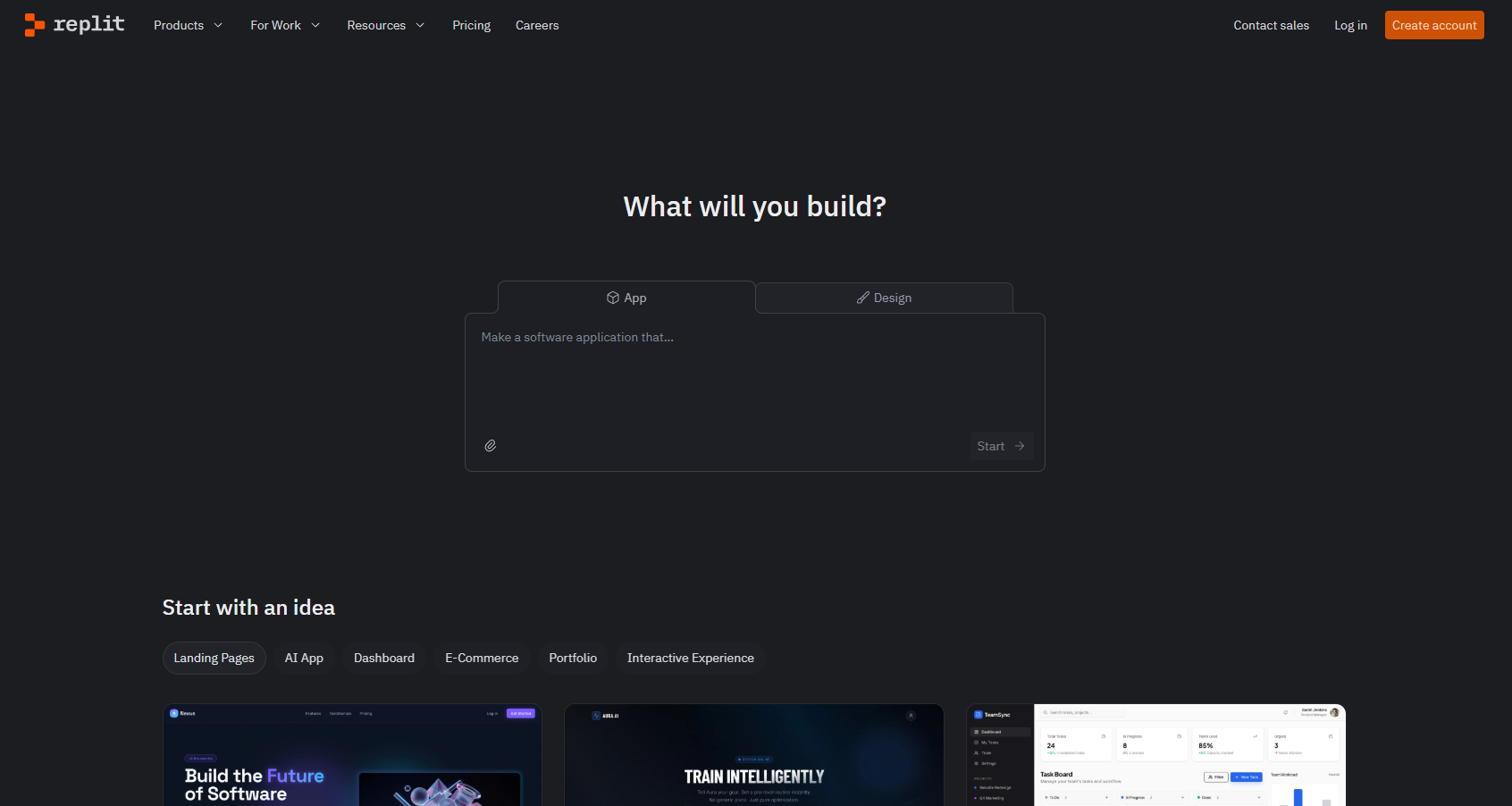
Replit Agent is like having a junior developer who works for you. You don’t just ask it for a snippet; you ask it to “build a grocery list app with a database.” It will then set up the servers, create the files, and deploy it to the web for you.
It handles the “DevOps” side of things—like setting up environments—that usually trips up beginners. It’s the closest thing we have to a tool that codes for you.
Key Features:
-
Autonomous app building from natural language prompts
-
Automated database and environment setup
-
Instant deployment so your app is live in seconds
-
Mobile-friendly coding from your phone or tablet
Best For: Beginners who want to see their ideas come to life quickly and developers who want to prototype an idea in minutes.
Pricing: * Starter: Free (Basic access)
-
Core: ~$20–$25/month (Includes credits for the Agent)
Codeium
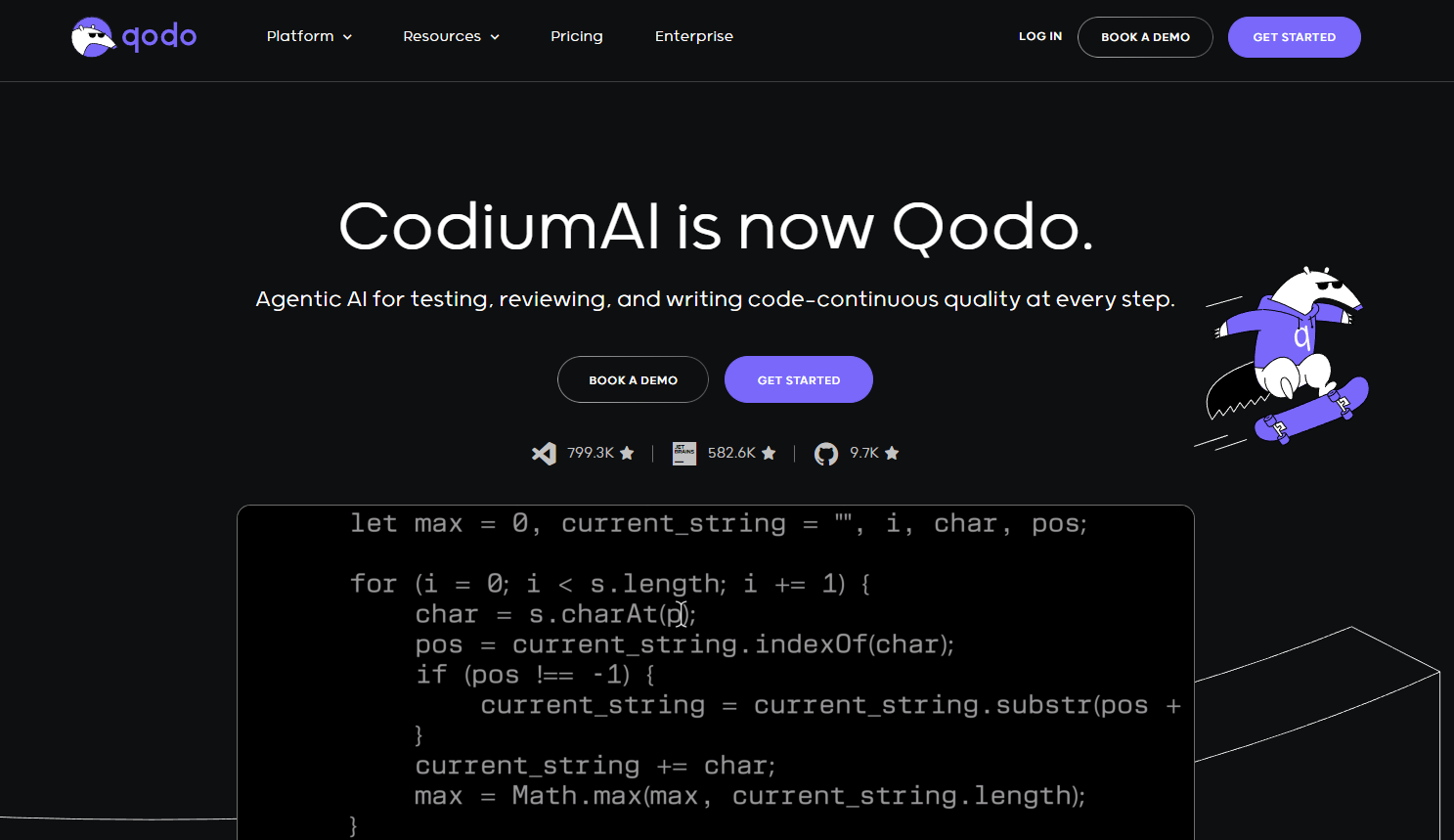
Codeium is the best “truly free” alternative to GitHub Copilot for individuals. It’s lightning-fast and supports a huge range of editors, including some niche ones that other tools ignore.
The company focuses heavily on security, making it a favorite for people who are worried about how their data is used. It feels very lightweight and doesn’t slow down your computer.
Key Features:
-
Extremely fast autocomplete and search
-
Support for over 70 programming languages
-
A great free-forever tier for individual users
-
Enterprise-grade security and privacy options
Best For: Students and developers on a budget who want a high-quality tool without a monthly subscription.
Pricing: * Individual: Free (Unlimited autocomplete and chat)
-
Teams: Paid plans for collaboration and extra security
Supermaven
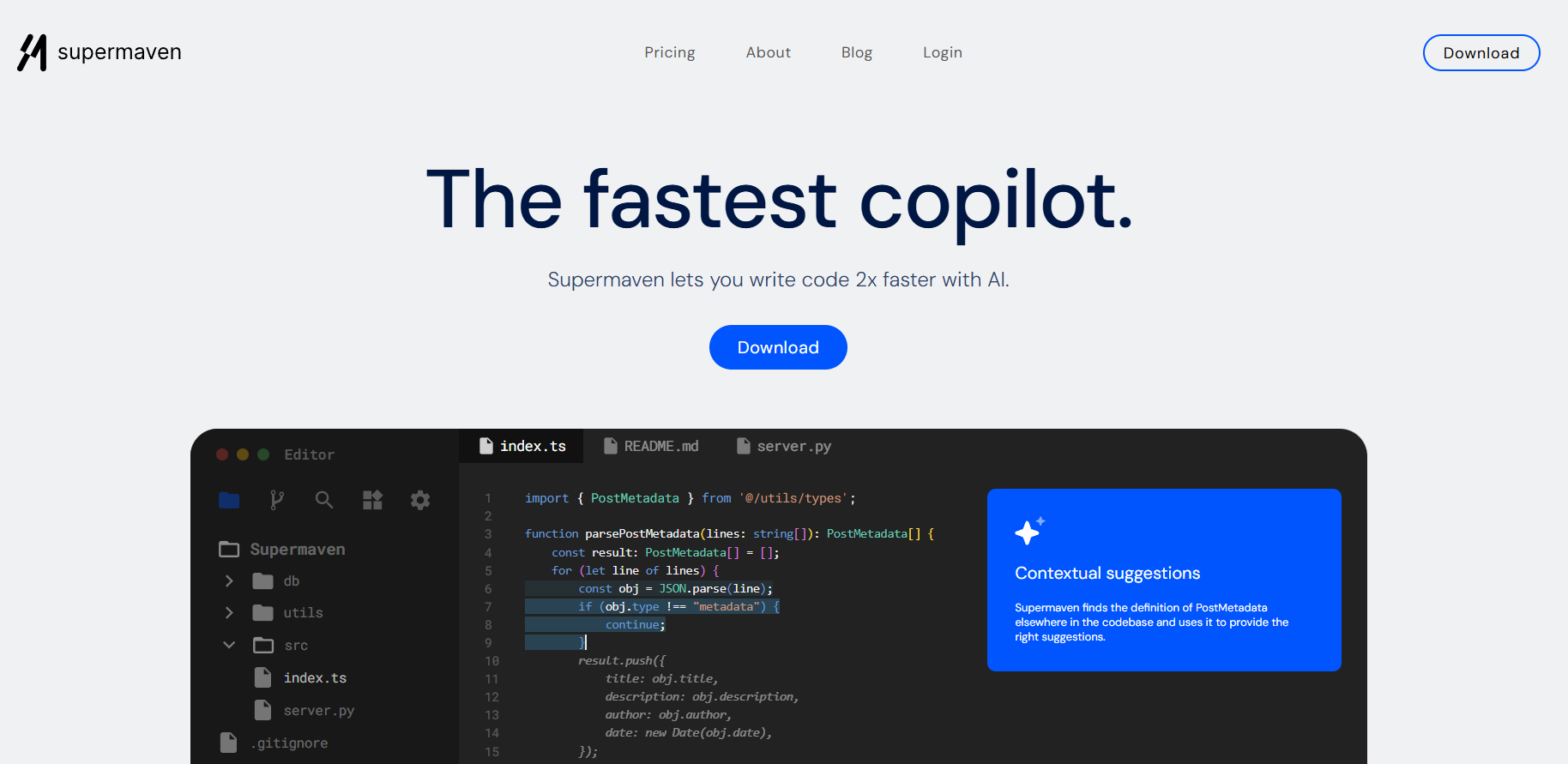
Supermaven is famous for two things: speed and a massive memory. It can “remember” up to 1 million tokens of code, which is like keeping an entire library in its head while it helps you.
The suggestions appear almost instantly as you type. If you hate waiting even half a second for an AI to think, Supermaven is the tool you want.
Key Features:
-
Massive 1-million-token context window
-
Ultra-low latency (the fastest completions I’ve tested)
-
Very high accuracy for large, complex codebases
-
Simple, no-nonsense interface
Best For: Power users working on massive enterprise projects who need the AI to remember code written months ago.
Pricing: * Free: Basic speed and smaller context
-
Pro: ~$10/month (Full speed and 1M context)
Tabnine
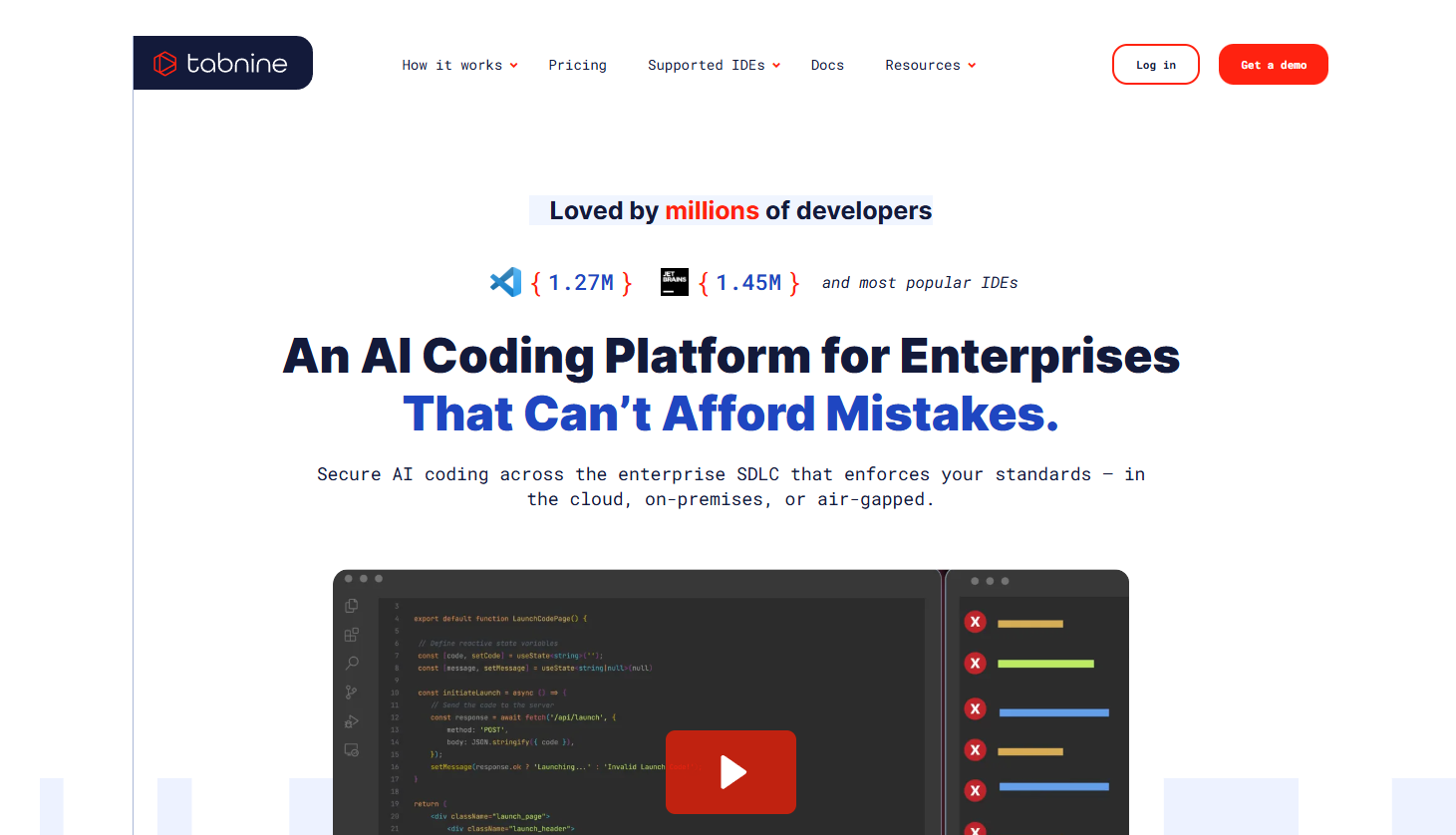
Tabnine was one of the first AI coding tools, and it remains a leader in privacy. It offers a “protected” model that is only trained on code with permissive licenses.
This means you don’t have to worry about the AI accidentally suggesting copyrighted code. It can also run entirely on your own machine (locally), so your code never even touches the cloud.
Key Features:
-
Local deployment for maximum privacy
-
Trained on “clean” code to avoid legal issues
-
Learns your specific coding style over time
-
Works in all major IDEs like VS Code and JetBrains
Best For: Developers working in highly regulated industries like finance or healthcare where data security is the top priority.
Pricing: * Starter: Free (Basic completions)
-
Pro: ~$9/month
Sourcegraph Cody
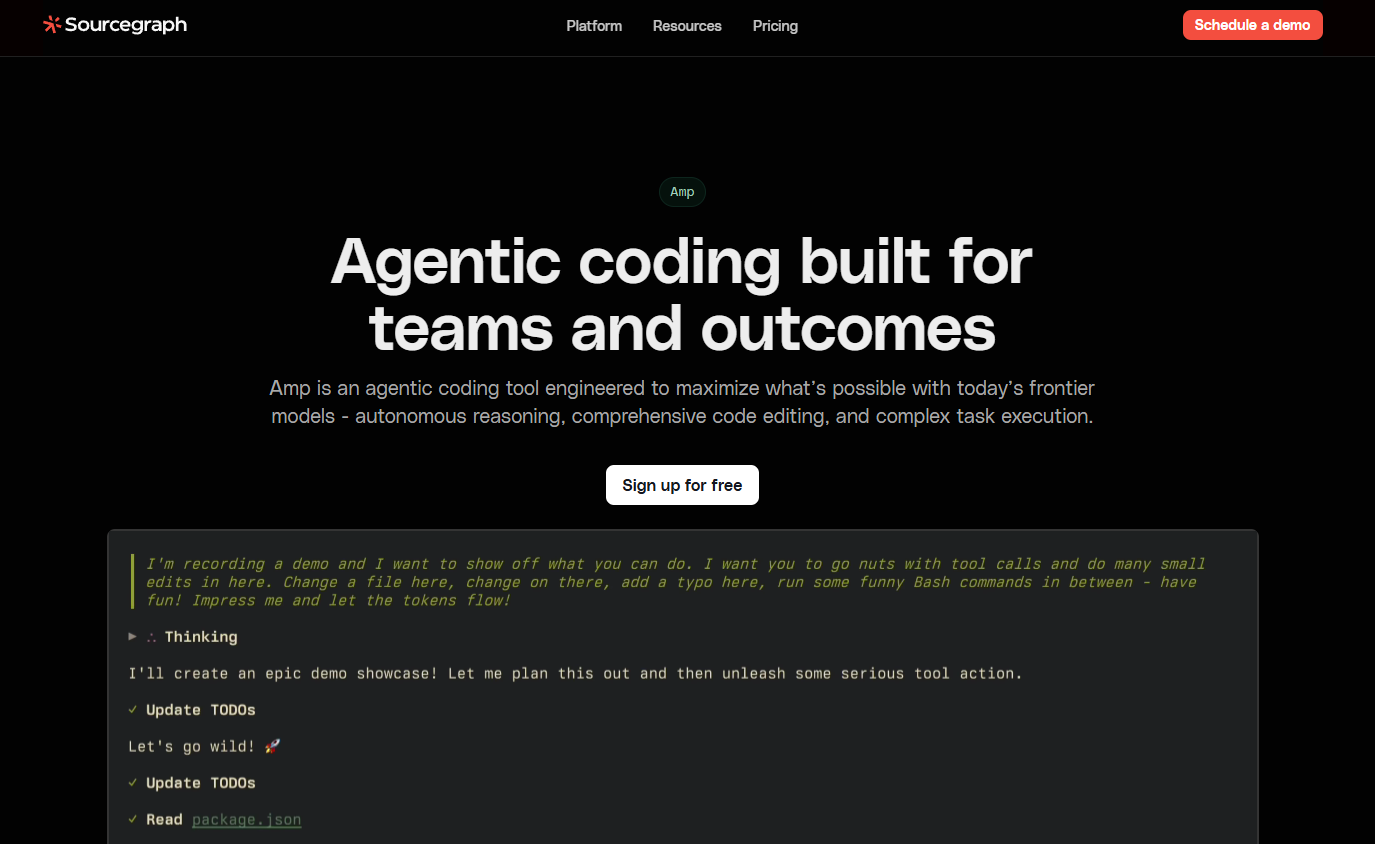
Cody is built by the team at Sourcegraph, who are experts at “Code Search.” Because of this, Cody is better than almost anyone at finding things in your codebase.
If you ask, “Where is the login logic handled?” Cody doesn’t just guess; it searches your entire company’s repository to give you the exact answer. It’s like a search engine and a chat assistant combined.
Key Features:
-
Superior codebase search and navigation
-
Can read and understand your documentation
-
Supports multiple LLMs (like Claude and GPT)
-
Explains complex functions in plain English
Best For: Developers joining a new company who need to quickly understand a large, unfamiliar codebase.
Pricing: * Free: For individuals (Limited)
-
Pro: ~$9/month (Unlimited)
Amazon Q Developer
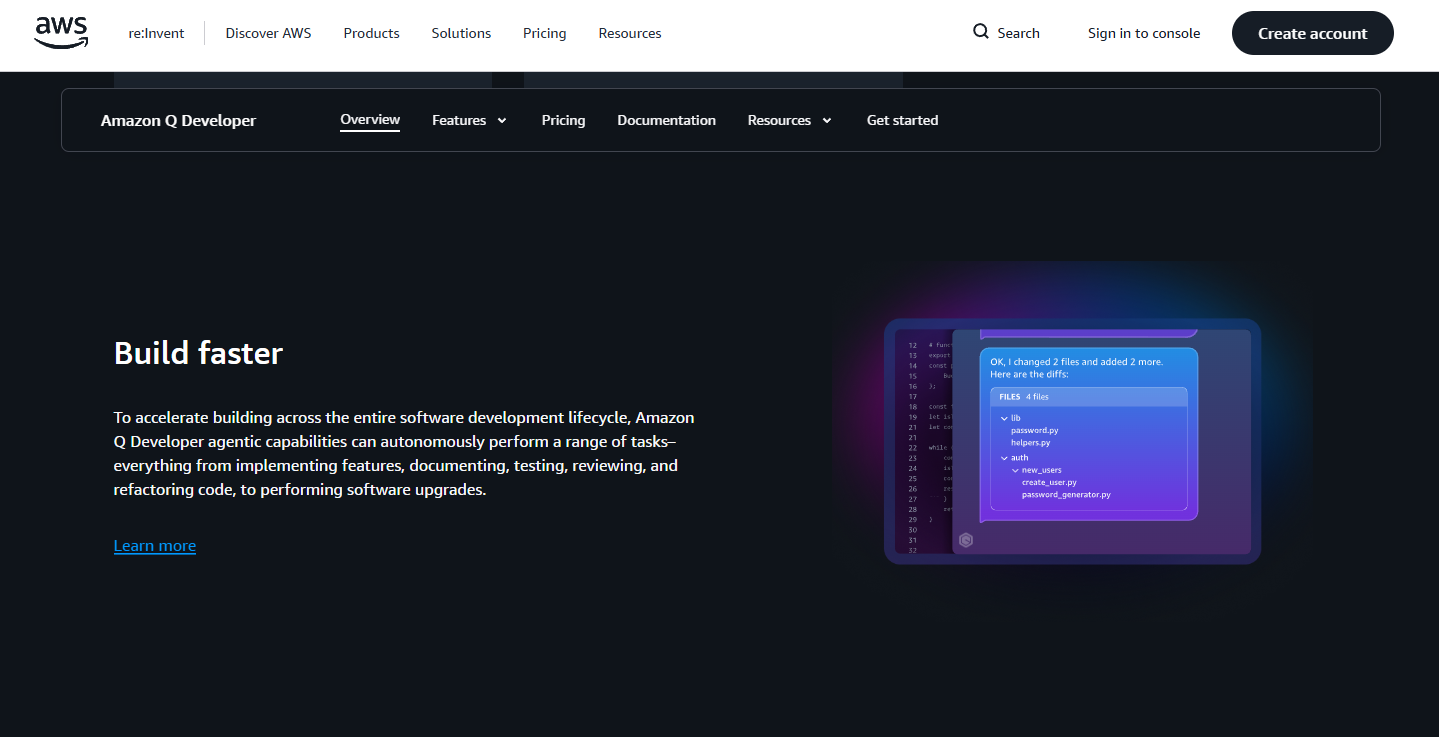
If your world revolves around AWS (Amazon Web Services), this is your tool. Formerly known as CodeWhisperer, Amazon Q is now a full assistant that helps you write code and manage your cloud infrastructure.
It can even help you upgrade old code, like moving an ancient Java project to a modern version, which is usually a nightmare to do manually.
Key Features:
-
Deep integration with AWS services and console
-
“Transform” feature for automatic language upgrades
-
Scans code for security vulnerabilities
-
Helps write CLI commands for cloud management
Best For: Enterprise developers and DevOps engineers who spend their day working within the Amazon ecosystem.
Pricing: * Free: Individual tier available
-
Pro: ~$19/user/month
JetBrains AI Assistant
For fans of IntelliJ, PyCharm, or WebStorm, the JetBrains AI Assistant is built specifically for those tools. It doesn’t feel like a plugin; it feels like a native feature of the IDE.
It is very good at “refactoring”—which is just a fancy word for cleaning up your code. It knows the deep rules of languages like Java and Kotlin better than most general AI tools.
Key Features:
-
Deeply integrated with JetBrains’ “smart” code analysis
-
Automatic commit message generation
-
Context-aware refactoring suggestions
-
Built-in documentation writer
Best For: Developers who are already loyal JetBrains users and want a tool that understands the deep structure of their code.
Pricing: * Individual: ~$10/month (Requires a JetBrains IDE)
Choosing a tool can feel like a lot of work, so I’ve simplified things for you. This table breaks down the 10 best AI assistants based on what they do best, which code editors they work with, and what they cost.
Whether you want a tool that lives inside your editor or one that can build a whole app from a single sentence, you can find the right match here.
| Tool | Top Feature | Editor Support | Best For | Individual Price |
| Cursor | Whole-project awareness | Native (VS Code fork) | Professional Devs | Free / ~$20/mo |
| GitHub Copilot | Reliable autocompletion | Most (VS Code, JetBrains) | Teams & Students | Free / ~$10/mo |
| Claude | Complex logic/UI previews | Web & CLI only | Problem Solving | Free / ~$20/mo |
| Replit Agent | Full app generation | Web Browser | Beginners & Prototyping | Free / ~$25/mo |
| Codeium | Fast, free autocomplete | Most major IDEs | Budget-conscious | Free / ~$15/mo |
| Supermaven | 1-million-token memory | VS Code, JetBrains | Large Enterprise | Free / ~$10/mo |
| Tabnine | Local/Offline privacy | Most major IDEs | High-security work | Free / ~$12/mo |
| Sourcegraph Cody | Advanced code search | VS Code, JetBrains | Navigating new repos | Free / ~$9/mo |
| Amazon Q | AWS Cloud deep integration | VS Code, AWS Console | Cloud Engineers | Free / ~$19/mo |
| JetBrains AI | IDE-native refactoring | JetBrains only | Java/Kotlin Devs | ~$10/mo |
Conclusion
Choosing an AI coding tool in 2025 isn’t about finding the “perfect” one—it’s about finding the one that fits how you like to work. After testing many options, I believe these are the Top 10 Best AI Tools for Coding in 2025 because they offer the best balance of speed, intelligence, and reliability.
The most important thing to remember is that these tools are your assistants, not your replacements. They are there to handle the boring stuff, find those annoying typos, and help you learn new things faster. If you’re still stuck, start with Cursor or GitHub Copilot. They handle the “typing” while you work, and you can keep Claude open in your browser for the really hard logic problems. Pick one tool, try it for a week, and see how much time it saves you. Happy coding!