
Have you ever tried delegating a task to an AI assistant — like finding a flight or booking a table — only to watch it struggle, click the wrong thing, or crash?
Right now, we are witnessing a massive shift in how we interact with technology. We are moving from a world where humans click buttons to a world where AI agents do the clicking for us.
But there’s a major roadblock: the entire internet was built for human eyes, not AI brains.
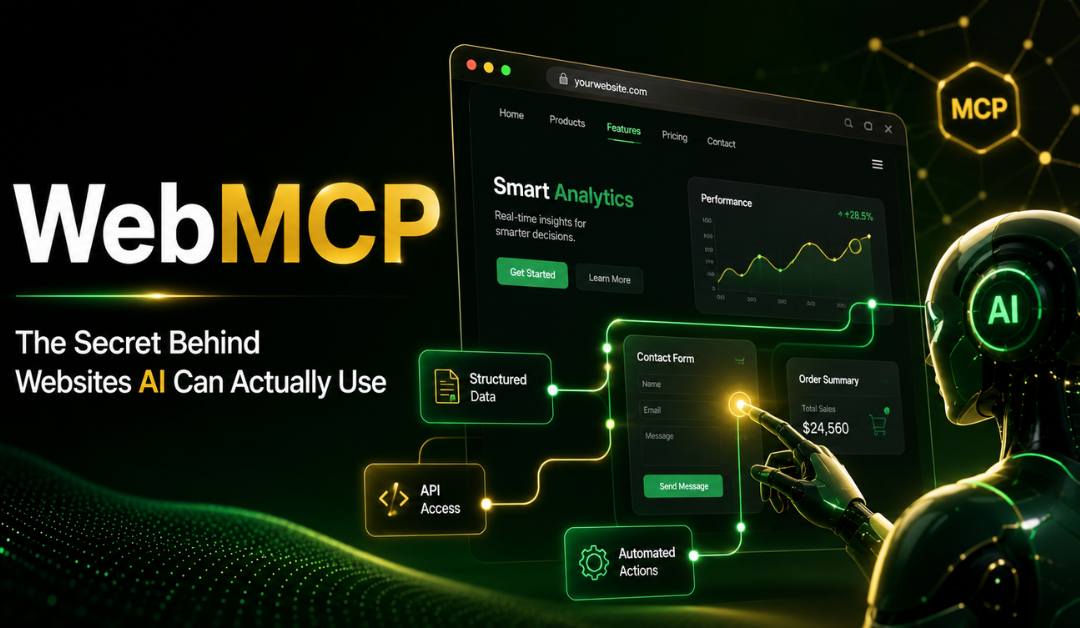
To bridge this gap, tech leaders are backing a revolutionary new browser standard proposal called WebMCP (Web Model Context Protocol). It is designed to completely change how AI interacts with websites, making the web “agent-ready”.
Here is a simple, non-technical look at what WebMCP is, why it matters, and how it will change the way you use the internet.
Table of Contents
The Problem: AI is Playing “Blind Battleship” With Websites
When you ask a modern AI agent to do something on a website today — like booking a flight — the agent has to navigate the page much like a human would.
To do this, traditional AI systems use a few clunky methods:
- Screen Scraping: Reading the messy, behind-the-scenes code of the website (HTML) and guessing which button does what.
- Screenshots: Taking photos of the page and using visual AI to figure out where to click.
This approach is incredibly slow, prone to errors, and highly fragile. If a developer changes a button’s color or shifts a menu slightly, the AI agent gets confused and breaks. Furthermore, taking screenshots and parsing entire pages burns through a massive amount of computer power and “tokens” (which translates to higher costs and slower speeds).
The Solution: Giving AI a “Custom Remote Control”
This is where WebMCP comes in.
Instead of forcing AI agents to guess, WebMCP allows website creators to hand the AI a clean, structured “remote control” built right into the webpage.
When an AI agent lands on a WebMCP-enabled website, the website instantly says: “Welcome! Here are the exact tools you can use on this page, the information I need, and what will happen when you use them”.
For example, instead of a travel website forcing an AI to scan the page, find the destination box, select dates from a dropdown calendar, and click “Search”:
- Without WebMCP: The AI reads code → guesses → clicks → hopes it works.
- With WebMCP: The website hands the AI a direct, digital tool called
Search Flights. The AI simply inputs your destination and dates directly into that tool, and the site processes it instantly and flawlessly.
Real-World Magic: How It Works For You
WebMCP operates right inside your web browser (like Google Chrome). It doesn’t replace you; instead, it is designed to keep you “in the loop”.
Imagine these scenarios in your day-to-day life:
- Effortless Shopping: You tell your browser’s AI, “Find me running shoes under $120.” The AI uses the website’s built-in product-filtering tools to instantly show you the best matches, bypassing clunky search filters and loading screens.
- Table Reservations: Instead of clicking through a complex booking calendar, the AI automatically maps your request to the form. It can even ask you to confirm before hitting “Book” so you never get billed for something you didn’t want.
- Instant Customer Support: If you have an issue with a purchase, an AI agent can quickly navigate complex support flows and fill out forms on your behalf, without you having to hunt for the right contact button.
Because all of this happens visibly on your screen, you can watch the AI fill in forms, see what it’s doing in real-time, and step in whenever you want.
Why WebMCP is a Game-Changer
WebMCP isn’t just a minor upgrade; it’s a fundamental shift in how the web works. Here’s why it’s so powerful:
- Insanely Fast and Cheap: Because the AI doesn’t need to “read” or “photograph” the whole page, it uses a tiny fraction of the computer power (tokens), making interactions lightning-fast.
- Safety First: Because the tools are defined explicitly by the website’s developers, they can set strict guardrails. The AI can only do what the website allows it to do — no accidental clicks on malicious links or unauthorized purchases.
- You’re Still in Charge: Many people are uncomfortable with AI booking things entirely in the background. WebMCP is designed for “local” browser workflows where you are sitting at the computer, watching the action, and providing final approval for sensitive tasks.
The Road Ahead: When Can We Use It?
WebMCP is currently a proposed web standard. This means major tech companies are collaborating to build it directly into the browsers we use every day.
Currently, Google is testing it in Chrome, and developers are already experimenting with how to turn their websites into “AI-ready” interfaces.
In the near future, websites won’t just be designed to look pretty for humans — they will also be built to be effortlessly helpful for our AI companions. It’s the beginning of the Agentic Web, and it’s going to make navigating the internet easier than ever before.
Frequently Asked Questions
1. How does WebMCP protect my security and keep me safe online?
With WebMCP, the website’s own developers define the exact boundaries of what the AI can and cannot do. Rather than letting an AI click wildly on a page, WebMCP tools are highly restricted [1]. Additionally, for sensitive actions like final checkout or booking a reservation, the website can trigger a pop-up confirmation dialog. This keeps you in control and prevents unauthorized transactions or accidental clicks on malicious links.
2. Does the AI do things in the background where I can’t see them?
No. WebMCP is built with a “human-in-the-loop” design. Unlike backend bots that run invisibly, WebMCP tools execute directly on your active web page [7, 8]. You can visibly watch the AI fill in form inputs and navigate the site in real-time, allowing you to step in, modify information, or pause the AI at any moment.
3. How is this different from existing AI browsing assistants?
Today’s AI assistants have to read messy website code (HTML) or take constant screenshots to “see” and guess where buttons are. This is slow, prone to errors, and breaks easily if a website changes its layout. WebMCP replaces this guesswork by letting the website hand the AI a clean, digital “remote control” with pre-labeled buttons — like a direct “Search Flights” tool — so the AI doesn’t have to guess how the page works .
4. Will using AI make my web browser slower or eat up my data?
Actually, it does the opposite. Because the AI doesn’t need to capture screenshots or download and parse massive walls of website code, it runs on a tiny fraction of the computer power (known as “tokens”). This makes your web interactions lightning-fast, highly accurate, and much cheaper to run.
5. When will WebMCP be available in my everyday browser?
WebMCP is currently a proposed web standard backed by major tech companies like Google
Conclusion
Ultimately, WebMCP represents a massive step toward what tech experts call the Agentic Web — a future where AI agents don’t fight against website interfaces but actively collaborate through them. By giving websites a way to clearly state their capabilities, WebMCP turns them into first-class citizens in our new AI-driven world.
It is highly likely that WebMCP will follow the same path as other foundational internet technologies like REST APIs or WebSockets. At first, they seemed like interesting experiments, but today they are the invisible backbone of the entire digital economy.
Soon, we will build web pages not just to be visually appealing to human eyes, but to be seamlessly functional for our AI assistants as well. WebMCP is the bridge that gets us there, making the internet easier to navigate while keeping us firmly in control of our digital journeys.