
Table of Contents
Best Free AI Tools for Small Businesses in 2026
It is 2026, and AI is no longer a futuristic dream. For small business owners, it has become a necessary partner for staying competitive without overspending.
You do not need a massive tech budget or a degree in computer science to use free AI tools for small businesses anymore. Most AI apps today are designed for regular people who want to save time on repetitive tasks.
Starting with AI can feel overwhelming because there are so many options available. However, the best approach is to focus on free AI tools for small businesses that solve your biggest daily headaches.
Whether you need help writing emails, designing social media posts, or managing your schedule, there is a free AI solution ready to help.
These tools allow you to act like a much larger company while staying lean and focused.
By using free versions of these tools, you can experiment without any financial risk. You can see what works for your specific business before ever paying for a subscription.
This guide will show you the most reliable free AI tools for small businesses available right now. We will look at how they work and exactly what you get for free.
AI Tools for Small Businesses
1. ChatGPT (OpenAI)
What the tool does
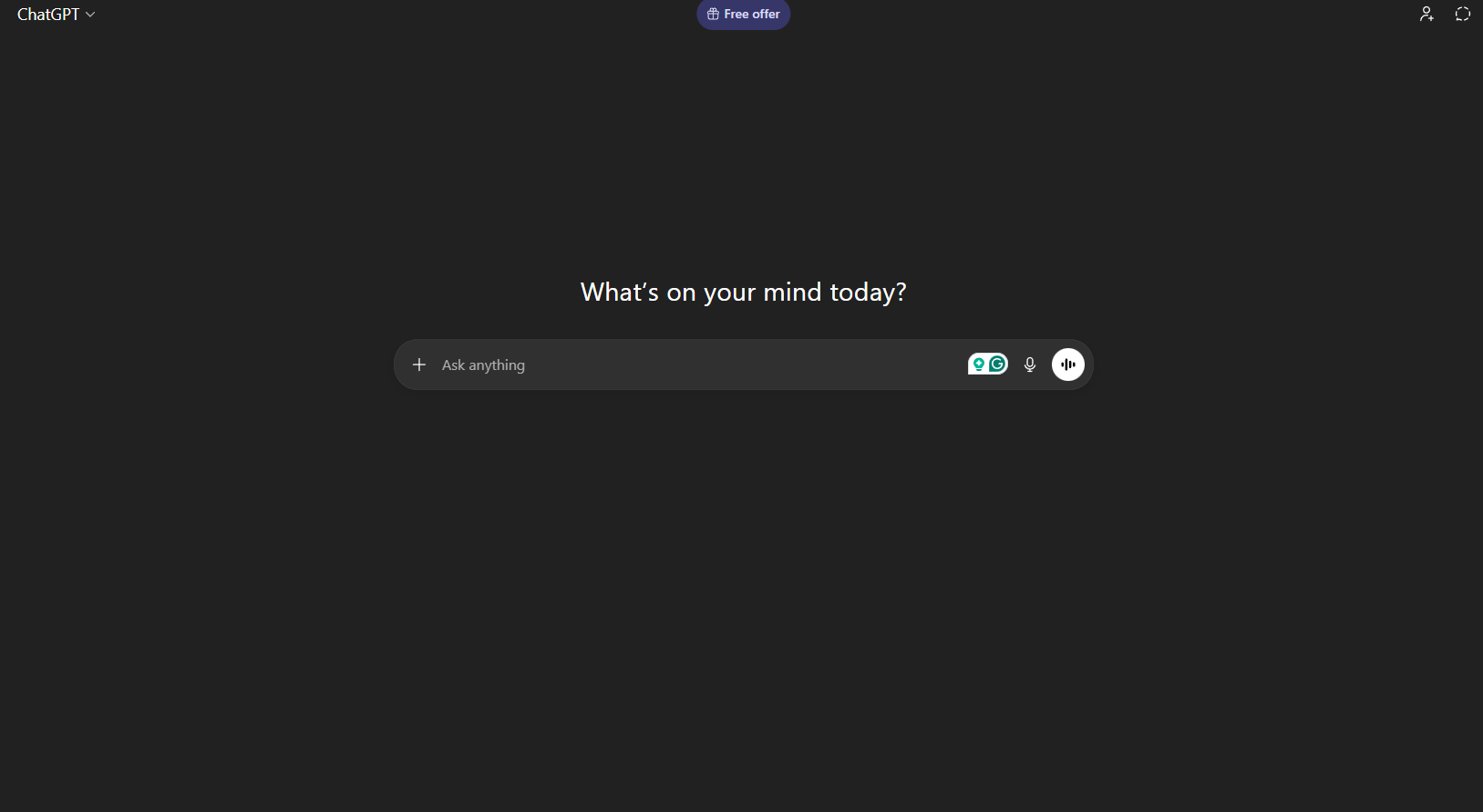
ChatGPT is a versatile AI assistant that can understand and generate human-like text. You can talk to it just like you would talk to a helpful employee or a knowledgeable consultant. It can answer questions, write long documents, and even brainstorm ideas for your next big project. In 2026, it is faster and smarter than ever, making it a “must-have” for any digital workspace.
Why it’s useful for small businesses
This tool acts as an extra set of hands for your business operations and marketing. It helps you draft professional emails, blog posts, and product descriptions in seconds instead of hours. By handling the first draft of your writing, it reduces the mental load of starting from a blank page. This allows you to focus more on high-level strategy and less on tedious typing.
Key features
-
Conversational Writing: It can draft anything from a polite customer apology to a detailed business proposal based on your instructions.
-
Brainstorming Partner: You can ask it to generate 20 ideas for a new product name or a seasonal marketing campaign.
-
File Analysis: The free version now allows you to upload documents to get summaries or find specific data quickly.
-
Voice Mode: You can talk to the app while on the go, which is perfect for dictating notes or ideas while driving.
Real-world use case
A local bakery uses ChatGPT to write their weekly email newsletter and create catchy captions for their Instagram photos. Instead of spending Sunday night writing, the owner provides a list of specials, and the AI generates all the content in five minutes.
Free plan details & limitations
The free plan gives you access to the latest “Fast” models and basic file uploads. You can send a generous number of messages each day, but you may be moved to a slower model during peak hours. You also get limited access to advanced data analysis and custom-built assistants compared to paid users.
Best for
Solo founders, service-based businesses, and anyone who needs help with daily writing and planning.
2. Canva Magic Studio
What the tool does
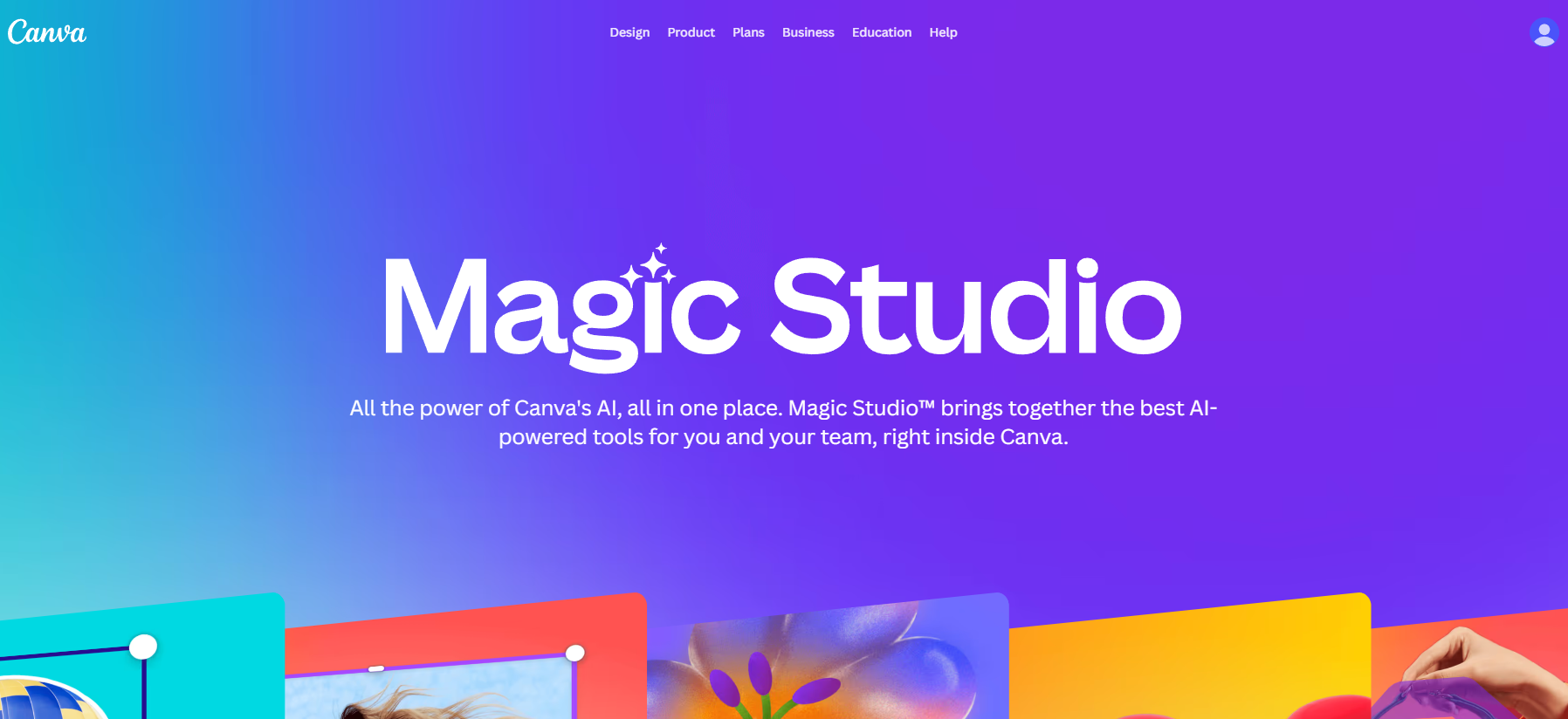
Canva is a design platform that uses AI to help you create professional visuals without needing any graphic design skills. Its “Magic Studio” features can turn a simple text prompt into a full social media graphic or a presentation. It takes the guesswork out of layouts, colors, and fonts so your business always looks polished.
Why it’s useful for small businesses
High-quality branding is expensive, but Canva makes it accessible for everyone for free. It saves you money by reducing the need to hire a designer for every small task like a flyer or an ad. The AI features speed up the process by automatically removing backgrounds or resizing images for different platforms. This ensures your brand looks consistent across the web without extra effort.
Key features
-
Magic Design: You can upload a photo, and the AI will automatically create a variety of professionally designed templates for you.
-
Text-to-Image: Describe a specific scene or object, and the AI will generate a unique image for you to use in your designs.
-
Magic Edit: You can highlight an area of a photo and tell the AI to swap one object for another, like changing a coffee cup to a tea cup.
-
Auto-Translate: With one click, you can translate your marketing materials into different languages to reach more customers.
Real-world use case
An online clothing boutique uses Canva to create all their Facebook ads. They take a simple photo of a shirt and use the AI to remove the messy background and replace it with a clean, professional studio look.
Free plan details & limitations
The free plan includes thousands of templates and several AI “Magic” uses per month. However, some premium elements, like the one-click background remover, may have daily limits on the free tier. You will also have less storage space for your designs compared to the Pro version.
Best for
Ecommerce owners, social media managers, and small teams that need to create high-quality marketing materials.
3. Buffer AI Assistant
What the tool does
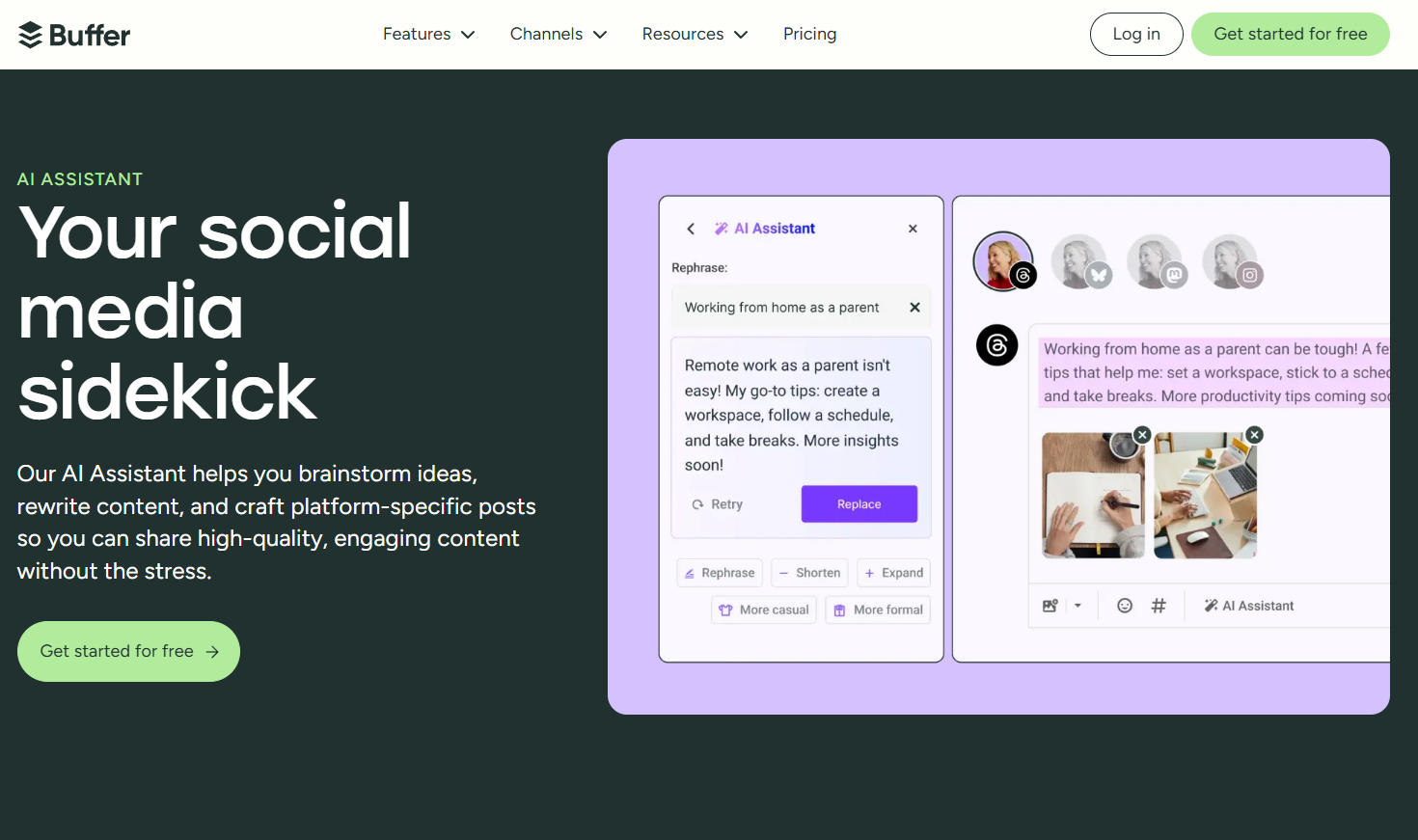
Buffer is a social media management tool that helps you schedule posts and track how they perform. Its built-in AI assistant helps you write, rewrite, and optimize your posts for different social networks. It understands the “vibe” of platforms like LinkedIn versus TikTok and adjusts your message accordingly.
Why it’s useful for small businesses
Managing multiple social media accounts is a full-time job that many small business owners don’t have time for. Buffer’s AI reduces the time you spend staring at a blinking cursor by suggesting creative hooks for your posts. It helps you stay consistent with your posting schedule, which is the most important factor for growing an audience online.
Key features
-
Content Rewriter: You can take one idea and ask the AI to rewrite it for three different social platforms in one click.
-
Tone Adjuster: The AI can make your post sound more professional for LinkedIn or more casual and fun for Instagram.
-
Post Generator: If you have a link to a blog post, the AI can summarize it into several short social media updates.
-
AI Idea Folder: You can save random thoughts in the app, and the AI will help turn them into polished posts later.
Real-world use case
A freelance consultant uses Buffer to schedule a week’s worth of LinkedIn tips in just thirty minutes. They use the AI to turn their long-form articles into five short, punchy posts that keep their profile active while they work with clients.
Free plan details & limitations
The free plan allows you to connect up to three social media channels and schedule up to ten posts at a time per channel. You get full access to the AI writing assistant, but you won’t have access to advanced analytics or team collaboration tools.
Best for
Freelancers, consultants, and small retail shops looking to build a social media presence.
4. Otter.ai
What the tool does
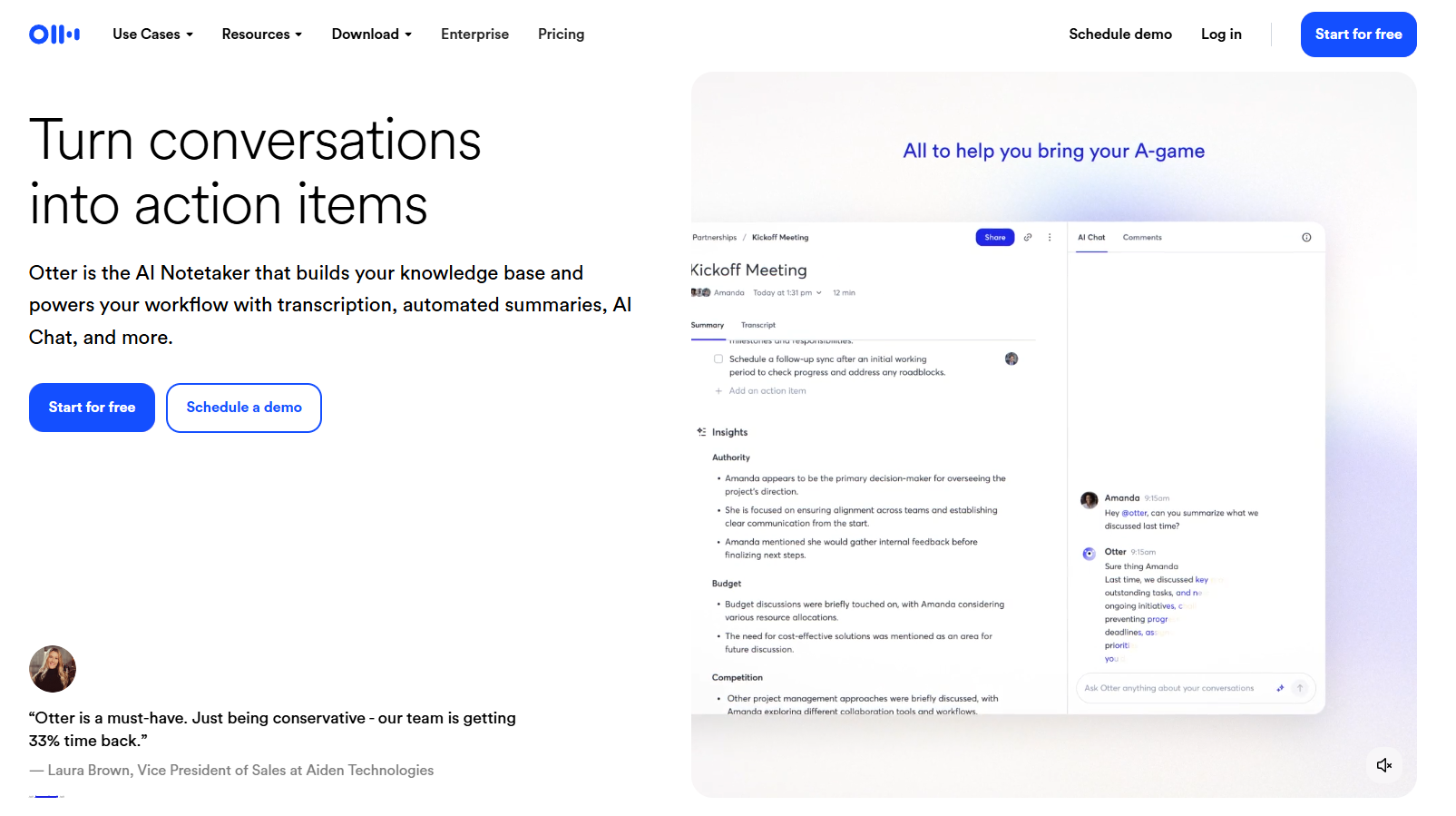
Otter.ai is an AI-powered meeting assistant that records and transcribes your conversations in real time. It can join your Zoom, Google Meet, or Microsoft Teams calls automatically to take notes for you. After the meeting, it provides a summary of what was discussed and a list of action items.
Why it’s useful for small businesses
Running a small business often means being in back-to-back meetings where important details can easily be forgotten. Otter saves you time by eliminating the need to type notes while you are trying to listen to a client. It also creates a searchable record of every conversation, so you never have to guess what someone said two weeks ago.
Key features
-
Real-Time Transcription: You can see the words appear on the screen as people speak, which helps everyone stay on the same page.
-
Automated Summaries: The AI writes a short paragraph explaining the main points so you don’t have to read the whole transcript.
-
Action Item Extraction: It identifies when someone promises to do something and lists it as a task at the end of the notes.
-
Searchable History: You can search through months of meetings for a specific keyword to find exactly when a topic was mentioned.
Real-world use case
A small marketing agency uses Otter to record all their client discovery calls. This allows the team to focus entirely on the client during the talk, knowing they will have a perfect set of notes and tasks waiting for them afterward.
Free plan details & limitations
The free plan offers 300 minutes of transcription per month, which is about five hours of meetings. Each individual meeting is capped at 30 minutes, so it may stop recording if your calls run long. You also have a limit on how many old transcripts you can store and search.
Best for
Service providers, agencies, and any business owner who spends a lot of time on video calls.
5. Microsoft Copilot
What the tool does
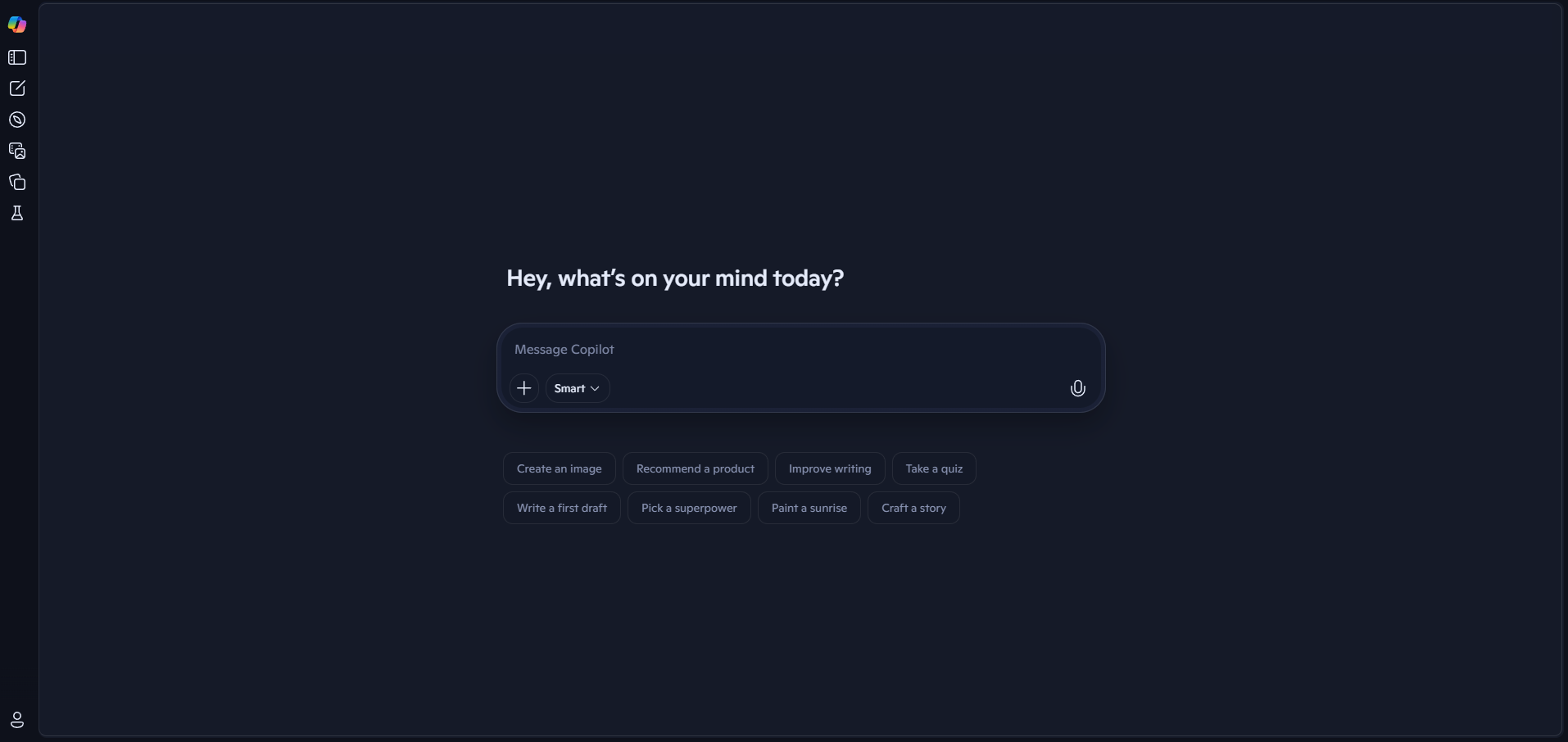
Microsoft Copilot is an AI search and productivity tool that is built directly into the web and Windows. It combines the power of a smart chatbot with real-time information from the internet. You can use it to research competitors, find data, or even generate images directly from your browser.
Why it’s useful for small businesses
Copilot is like having a research assistant who has read the entire internet. It is incredibly useful for small businesses that need to do market research or find technical answers quickly. Because it can cite its sources, you can verify the information it gives you, which builds trust in the results. It saves you from clicking through dozens of search results to find a single answer.
Key features
-
Connected Search: Unlike some AI tools, Copilot can search the live web to give you up-to-date pricing or news.
-
Source Citations: Every answer includes links to the websites where the information was found so you can check the facts.
-
Visual Creator: You can ask it to draw a logo concept or a background image, and it will give you several high-quality options.
-
Document Summarization: If you open a long PDF in your browser, Copilot can read it and tell you the three most important parts.
Real-world use case
An artisan soap maker uses Copilot to research the current market price for organic essential oils. Instead of visiting ten different supplier sites, they ask Copilot for a comparison table, which saves them an hour of manual work.
Free plan details & limitations
Copilot is free to use on the web and through the mobile app without a subscription. While it is very powerful, there are daily limits on how many “turns” or questions you can ask in a single conversation. You may also experience slower response times during periods of heavy global use.
Best for
Business owners who need to do deep research, competitive analysis, or quick fact-checking.
How to Choose the Right Free AI Tools for Your Business
It is easy to get “tool fatigue” by trying to use too many apps at once. The key to success with AI is to start small and solve one problem at a time. Pick the task that you dislike doing the most, whether it is writing, designing, or taking notes and try one tool from this list. Give yourself a week to get used to how the AI thinks and works before adding another one.
You should also consider your existing workflow. For example, if you already use Google Workspace, you might prefer tools that integrate easily with your email and documents.
If you spend most of your day on social media, a tool like Buffer will likely provide the most immediate value. Always remember that the tool should serve your business, not the other way around.
If you are just getting started in online businesses, you might find it helpful to read our blog Why WordPress Is Still the Best Platform for Small Businesses in 2025.
FAQ
Are free AI tools safe for small businesses?
Most reputable AI tools like the ones listed above are safe for general business use. However, you should never put sensitive data like passwords, bank details, or private client info into any AI. Most free tools use your input to train their models, so treat your conversations as if they are public.
Can free AI tools replace employees?
AI is a powerful assistant, but it cannot replace the human touch or the unique vision of a business owner. It is best used to handle the “boring” parts of a job, like drafting or organizing. This frees up your human team to focus on building relationships and being creative.
Do I need technical skills to use AI tools?
No, most AI tools in 2026 are built to be used with “natural language.” This means you just type or speak to them like you are talking to a person. If you can send an email or use a search engine, you already have the skills needed to use AI effectively.
Conclusion
The world of small business is changing fast, but AI is here to make that change easier for you. By using these free tools, you can buy back hours of your time and focus on what you love most about your business. You don’t need to be a tech expert to see the benefits; you just need to be willing to experiment. Start with one tool today, and you might be surprised at how much more you can achieve by tomorrow.