

Plugins are the backbone of a successful WordPress site, transforming a basic setup into a powerful, user-friendly platform. In 2025, with Core Web Vitals, AI-driven content, and mobile optimization shaping the web, choosing the right plugins is more critical than ever. Whether you’re a beginner, blogger, small business owner, or DIY website builder, the right tools can boost your site’s SEO, speed, security, and functionality. This guide highlights the top 10 must-have WordPress plugins for 2025, covering free and premium options to help you create a high-performing website.
Table of Contents
Why Plugins Matter More in 2025
WordPress powers over 40% of the web, and its ecosystem is evolving rapidly. Trends like Google’s Core Web Vitals, AI integration, and the demand for mobile-friendly sites require plugins that are lightweight, secure, and regularly updated. Poorly chosen plugins can slow your site, harm SEO, or expose security risks. By selecting the best WordPress plugins, you ensure your site stays competitive, user-friendly, and future-proof.
Top 10 Must-Have WordPress Plugins for 2025
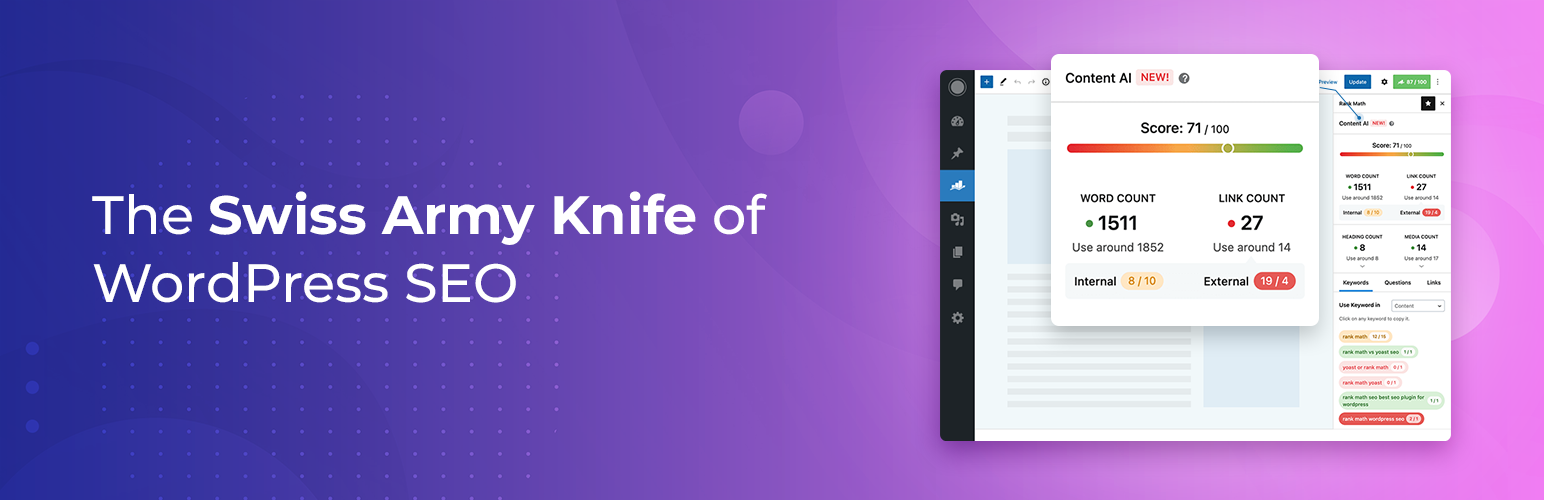
1. Rank Math – SEO Made Simple
Rank Math is a powerful SEO plugin that helps optimize your content for search engines.
Key Features:
- On-page SEO analysis with real-time suggestions
- Schema markup for rich snippets
- Integration with Google Search Console
- Keyword tracking and sitemap generation
Why It’s a Must-Have: In 2025, SEO is critical for driving traffic. Rank Math’s user-friendly interface and AI-powered suggestions make it ideal for beginners and pros alike.
Who Should Use It: Bloggers, small businesses, and anyone aiming to rank higher on Google.
|
Feature |
Free Version |
Premium Version ($59/year) |
|---|---|---|
|
SEO Analysis |
Basic on-page suggestions |
Advanced AI-driven insights |
|
Schema Support |
Limited schema types |
Full schema markup options |
|
Analytics |
Basic Search Console integration |
Advanced keyword tracking |
|
Support |
Community forums |
Priority support
|
2. WP Rocket – Boost Site Speed
WP Rocket is a premium caching plugin designed to improve website performance.
Key Features:
- Page caching and browser caching
- Lazy loading for images and videos
- Minification of CSS, JavaScript, and HTML
- Database optimization
Why It’s a Must-Have: Speed is a key factor for Core Web Vitals and user experience in 2025. WP Rocket reduces load times, improving SEO and visitor retention.
Who Should Use It: Any WordPress user prioritizing speed, especially e-commerce sites and blogs.
|
Feature |
Free Version |
Premium Version ($59/year) |
|---|---|---|
|
Caching |
Not available |
Full page and browser caching |
|
Lazy Loading |
Not available |
Images and videos |
|
File Optimization |
Not available |
CSS, JS, HTML minification |
|
Support |
Not available |
Dedicated support
|
3. Wordfence Security – Protect Your Site
Wordfence is a leading security plugin that safeguards your WordPress site from threats.
Key Features:
- Firewall and malware scanner
- Login attempt monitoring and two-factor authentication
- Real-time threat defense feed
Why It’s a Must-Have: Cyber threats are rising in 2025. Wordfence’s robust protection ensures your site stays safe from hackers and malware.
Who Should Use It: All WordPress users, especially small businesses and high-traffic sites.
|
Feature |
Free Version |
Premium Version ($99/year) |
|---|---|---|
|
Firewall |
Basic protection |
Real-time threat updates |
|
Malware Scanner |
Scheduled scans |
Real-time scanning |
|
Login Security |
Basic brute force protection |
Advanced 2FA and monitoring |
|
Support |
Community forums |
Priority support
|

4. Elementor – Drag-and-Drop Design
Elementor is a popular page builder for creating stunning, responsive designs without coding.
Key Features:
- Drag-and-drop editor with 100+ widgets
- Pre-designed templates and blocks
- WooCommerce integration for custom shops
Why It’s a Must-Have: In 2025, visually appealing sites are non-negotiable. Elementor empowers beginners to create professional designs effortlessly.
Who Should Use It: DIY builders, designers, and small businesses.
|
Feature |
Free Version |
Premium Version ($59/year) |
|---|---|---|
|
Widgets |
Basic widgets |
Advanced widgets (e.g., forms, popups) |
|
Templates |
Limited templates |
Full template library |
|
WooCommerce |
Basic integration |
Advanced shop customization |
|
Support |
Community forums |
Priority support
|
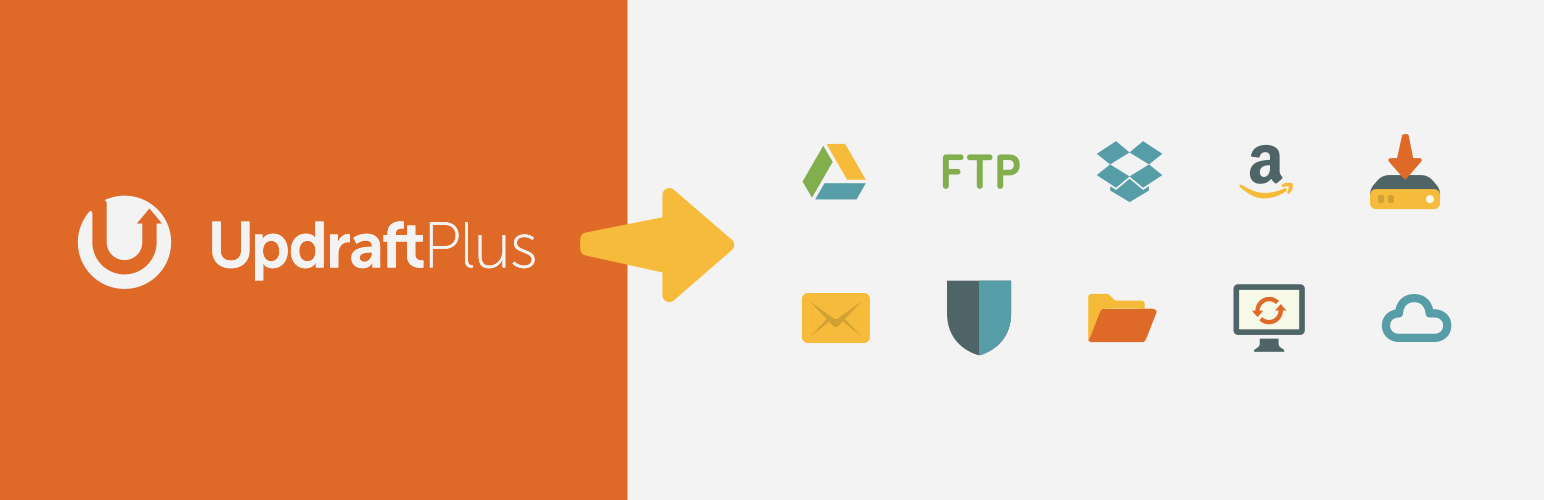
5. UpdraftPlus – Reliable Backups
UpdraftPlus simplifies website backups and restoration.
Key Features:
- Scheduled and manual backups
- Cloud storage integration (Google Drive, Dropbox)
- One-click restoration
Why It’s a Must-Have: Data loss can cripple a site. UpdraftPlus ensures you can recover quickly from crashes or hacks in 2025.
Who Should Use It: All WordPress users, especially those managing critical content.
|
Feature |
Free Version |
Premium Version ($70/year) |
|---|---|---|
|
Backups |
Manual and scheduled |
Incremental backups |
|
Cloud Storage |
Limited integrations |
More storage options |
|
Restoration |
Basic restoration |
Advanced migration tools |
|
Support |
Community forums |
Priority support
|

6. ShortPixel – Optimize Images
ShortPixel compresses images to improve site speed without sacrificing quality.
Key Features:
- Lossy and lossless compression
- WEBP conversion for modern browsers
- Bulk optimization for existing media
Why It’s a Must-Have: Large images slow down sites, hurting SEO and user experience. ShortPixel keeps your site fast in 2025.
Who Should Use It: Bloggers, photographers, and e-commerce sites with heavy image use.
|
Feature |
Free Version |
Premium Version ($4.99/month) |
|---|---|---|
|
Image Limit |
100 images/month |
Unlimited or high limits |
|
Compression |
Lossy/lossless |
Advanced glossy compression |
|
WEBP Support |
Basic |
Full WEBP conversion |
|
Support |
Basic support |
Priority support
|
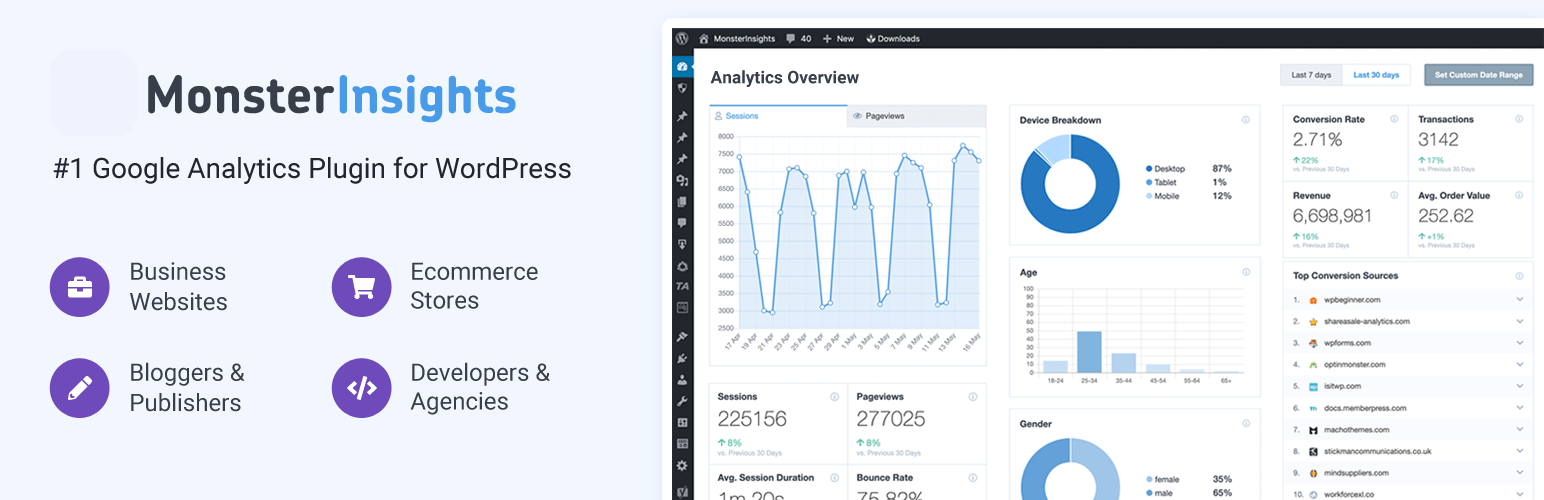
7. MonsterInsights – Google Analytics Integration
MonsterInsights connects your WordPress site to Google Analytics for actionable insights.
Key Features:
- Easy Google Analytics setup
- Real-time stats and e-commerce tracking
- GDPR-compliant reporting
Why It’s a Must-Have: Understanding user behavior is key in 2025. MonsterInsights simplifies analytics for better decision-making.
Who Should Use It: Bloggers, businesses, and marketers tracking performance.
|
Feature |
Free Version |
Premium Version ($99.50/year) |
|---|---|---|
|
Analytics |
Basic dashboard |
Advanced e-commerce tracking |
|
Reports |
Basic stats |
Real-time and custom reports |
|
GDPR Compliance |
Basic |
Enhanced compliance tools |
|
Support |
Community forums |
Priority support
|

8. WooCommerce – Build an Online Store
WooCommerce powers e-commerce sites with robust features for selling online.
Key Features:
- Product management and payment gateways
- Customizable checkout and shipping options
- Extensions for subscriptions and bookings
Why It’s a Must-Have: E-commerce is booming in 2025. WooCommerce offers flexibility for small to large online stores.
Who Should Use It: Small businesses and entrepreneurs launching online stores.
|
Feature |
Free Version |
Premium Extensions (Varies) |
|---|---|---|
|
Store Setup |
Basic products and payments |
Advanced subscriptions/bookings |
|
Customization |
Basic checkout |
Custom checkout and shipping |
|
Integrations |
Limited |
Extensive third-party integrations |
|
Support |
Community forums |
Extension-specific support
|
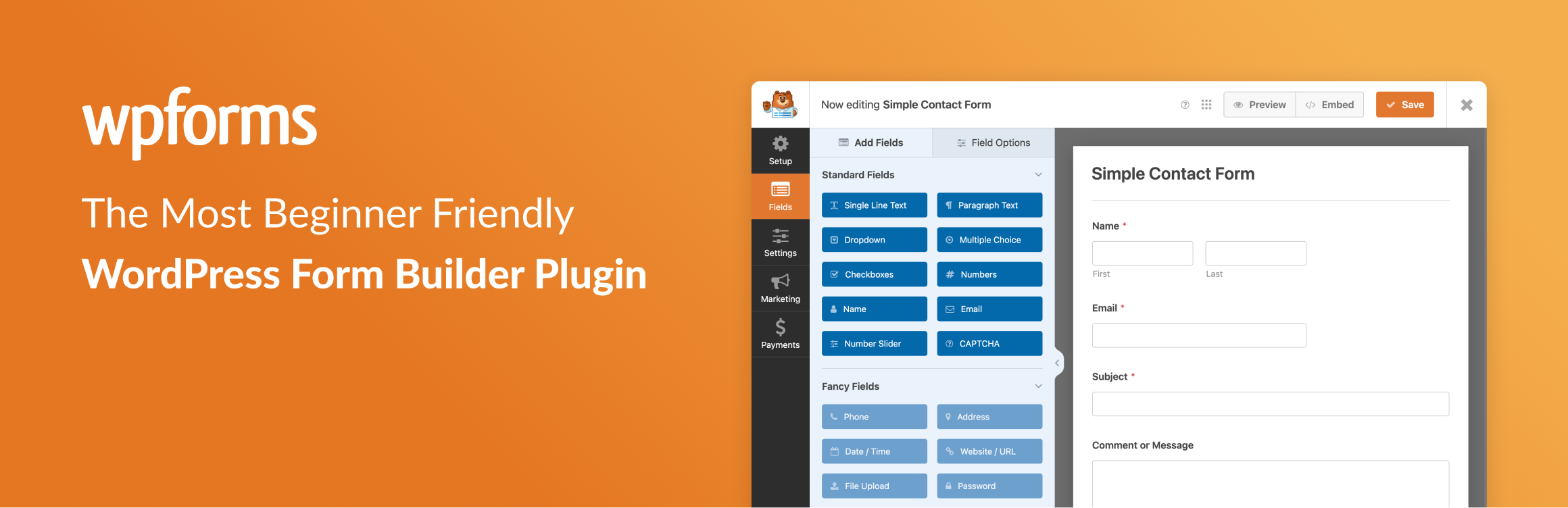
9. WPForms – Easy Form Building
WPForms is a user-friendly plugin for creating contact forms, surveys, and more.
Key Features:
- Drag-and-drop form builder
- Pre-built templates for contact and payment forms
- Spam protection and integrations
Why It’s a Must-Have: Forms enhance user interaction in 2025. WPForms makes it easy to collect leads and feedback.
Who Should Use It: Bloggers, businesses, and anyone needing forms.
|
Feature |
Free Version |
Premium Version ($39.50/year) |
|---|---|---|
|
Form Builder |
Basic templates |
Advanced templates (e.g., payments) |
|
Integrations |
Limited |
PayPal, Stripe, and more |
|
Spam Protection |
Basic |
Advanced spam filtering |
|
Support |
Community forums |
Priority support
|
10. Broken Link Checker – Maintain Healthy Links
Broken Link Checker scans your site for broken links and redirects.
Key Features:
- Automatic link scanning
- Notifications for broken links
- Option to edit links directly from the dashboard
Why It’s a Must-Have: Broken links harm SEO and user experience. This plugin keeps your site healthy in 2025.
Who Should Use It: Bloggers and site owners with content-heavy sites.
|
Feature |
Free Version |
Premium Version |
|---|---|---|
|
Link Scanning |
Full scanning |
Not available |
|
Notifications |
Email alerts |
Not available |
|
Link Editing |
Dashboard editing |
Not available |
|
Support |
Community forums |
Not available
|
Bonus Tips for Using WordPress Plugins
- Avoid Plugin Bloat: Install only essential plugins to prevent slowing down your site. Aim for fewer than 15 plugins.
- Check Compatibility: Ensure plugins are compatible with your WordPress version and theme. Test updates on a staging site.
- Choose Trusted Plugins: Opt for plugins with high ratings, frequent updates, and active support. Check reviews on WordPress.org.
Conclusion
In 2025, the right WordPress plugins can make or break your site’s success. From boosting SEO with Rank Math to securing your site with Wordfence, these must-have WordPress plugins for 2025 empower you to create a fast, secure, and user-friendly website and help keep your web development skills updated. Keep your plugins updated, choose lightweight options, and test for compatibility to stay ahead. Try these tools to elevate your WordPress experience!